WebAPI Reader
The WebAPI Reader is the entry point of an integration that answers HTTP requests. It consumes the requests queued at a WebAPI endpoint and presents each one as a single record whose fields describe the request: its method, route, parameters, headers, the user who sent it, and its body. Everything after it in the integration works on that record, and a writer on the WebAPI controller sends the response.
Setup
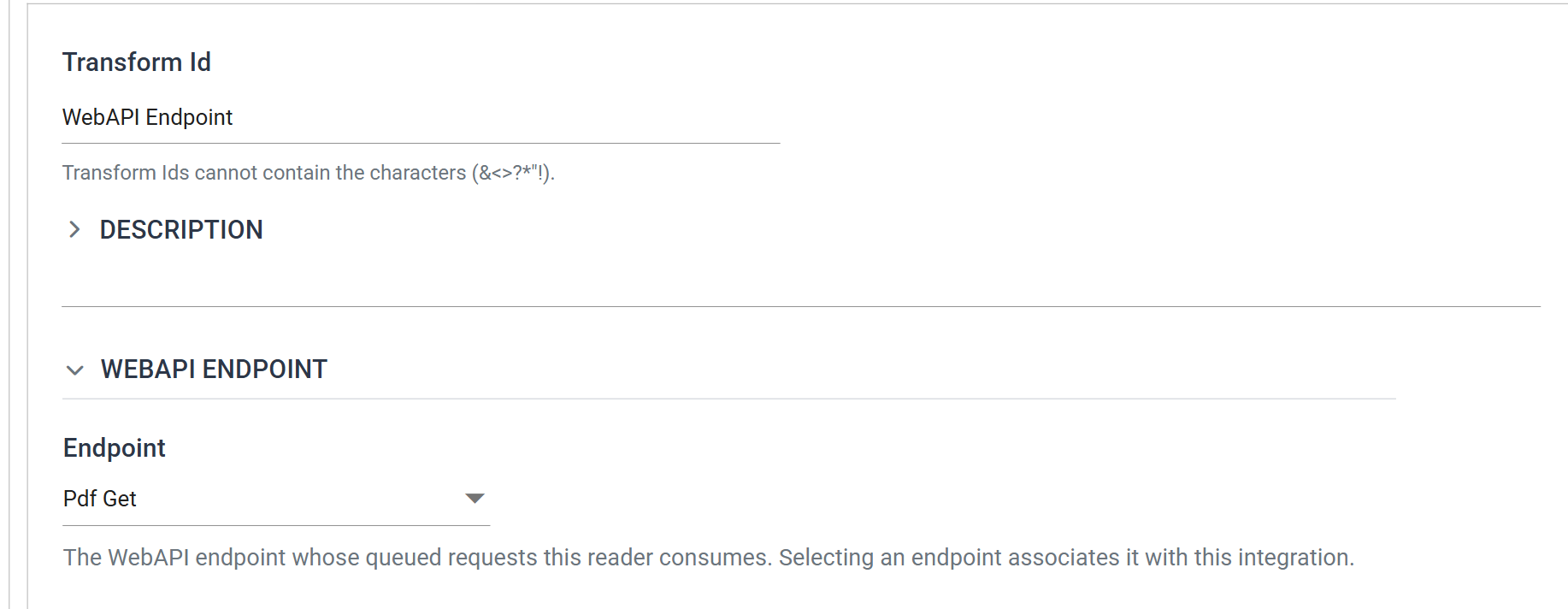
Transform Id
The unique name of the transform.
WebAPI Endpoint
The reader has one setting, in place of the Source section other readers have. The data comes from the request.
Endpoint
The endpoint whose queued requests this reader consumes, by its Description. The list holds the endpoints that are not yet associated with any integration, plus the one this reader already has. An endpoint answers only one integration, so the list does not offer an endpoint that is already in use.
Selecting an endpoint associates it with the integration at once, and IMan saves the integration automatically. There is no separate step, and you do not need to send a request first. The list reloads when an endpoint is added or changed under Setup.
Field Mapping
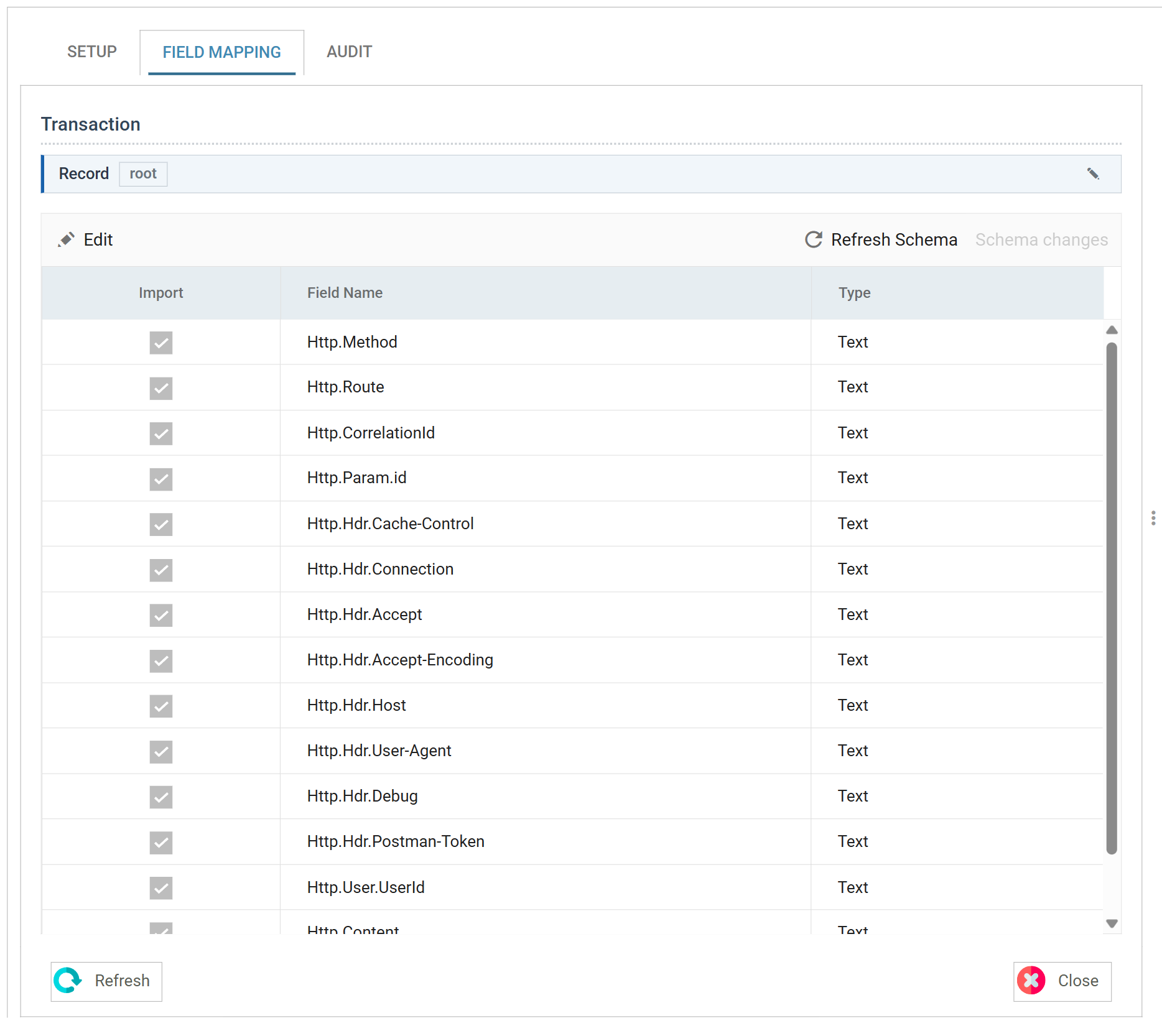
The reader reads the fields from a request, so it needs one before it can detect them. Send the endpoint a request with the Debug header set, as WebAPI Integration Setup describes, then press Refresh Schema on the field grid's toolbar. The reader takes the queued request and lists what it carries, and Preview shows the same request as one record.
Every field is prefixed Http. so that no field further down the integration
can have the same name. The fixed fields are always there. The rest depend on
the endpoint's route and on what the caller sent.
| Field | What it holds |
|---|---|
Http.Method |
The request method — GET, POST, PUT and so on. |
Http.Route |
The route the request matched. |
Http.CorrelationId |
The request's correlation id, which the response and the audit log carry too. |
Http.Param.<name> |
One field per route token and per query parameter, named as in the endpoint's route. The debug query parameter is not captured, nor are the route's own controller and action tokens. |
Http.Hdr.<name> |
One field per request header, named as the header is. A header sent more than once holds its values joined with a comma. |
Http.User.UserId |
The Web User the request was authenticated as. Empty for an anonymous request. |
Http.User.<property> |
One field per property in the endpoint's Property Set, holding the value set for that user. |
Http.Content |
The body of the request, as text. Empty for a GET. |
The header fields leave out two kinds of header. The reader never captures the
Authorization header, so a credential does not end up in the dataset or the
audit log. It also leaves out the headers that describe the body, not the
request: Allow, Content-Disposition, Content-Encoding,
Content-Language, Content-Length, Content-Location, Content-MD5,
Content-Range, Content-Type, Expires and Last-Modified. The body itself
is in Http.Content.
The body arrives as one text field, whatever its format. A reader beneath this
one parses it: a JSON Reader for a
JSON body, an XML Reader for XML, a
Form URL Reader for a posted
form. Each uses the
Transaction controller
with its Field set to Http.Content.
The reader has one transaction, Record, and one record per request. A WebAPI integration runs once per request and its dataset starts with a single row.
Using Preview & Testing
WebAPI Integration Setup walks through sending a debug request, previewing the reader on it, building the rest of the integration and returning the response.