Data Transforms
Data transforms are used to manipulate data.
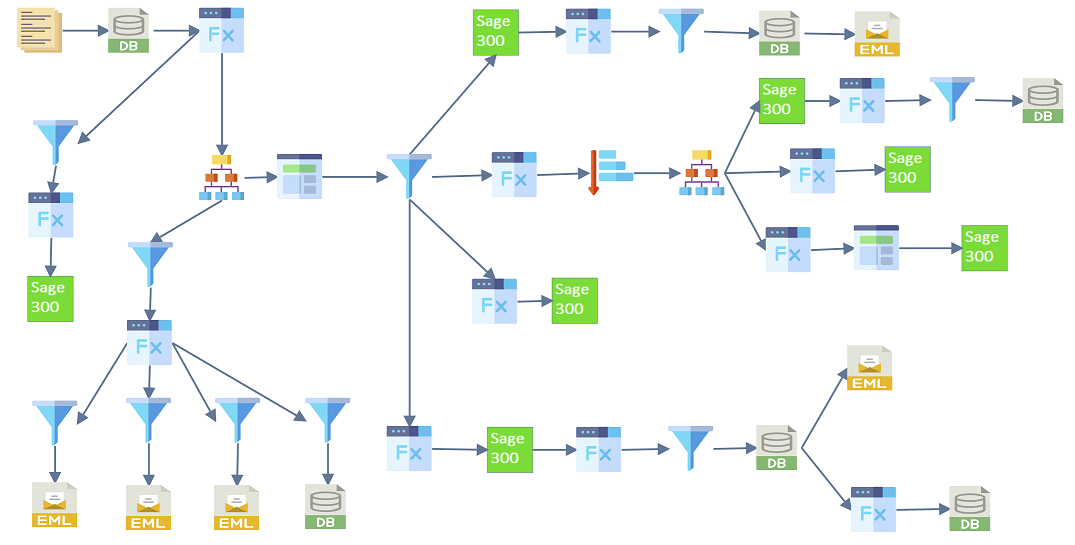
An integration can have any number of data transforms. You can chain many together for complex work; a simple integration may use only one or two. You can also create an integration with no data transforms at all, though you will rarely need to.
IMan currently has seven transforms, which can be split into three categories:
- Shape the data in / out of hierarchical structure using the Hierarchy / Flatten transforms respectively.
- Record level manipulation of data, with Translate, Sort and Filter.
- Field level manipulation of data (using VBScript to carry out the manipulation), through Aggregate and Map.
Level of Manipulation
A transform works at field or record level. A field-level transform changes values in individual fields. A record-level transform, such as Filter, acts on the whole record.