WebAPI IO Controller
The WebAPI controller is only a writer's target. When you select it, the writer's output becomes the response to the WebAPI request that started the integration: the request the WebAPI Reader at the top of the chain consumed. It has no settings, because the reader already decides which request to answer. The panel is a single read-only line naming the endpoint.
Target
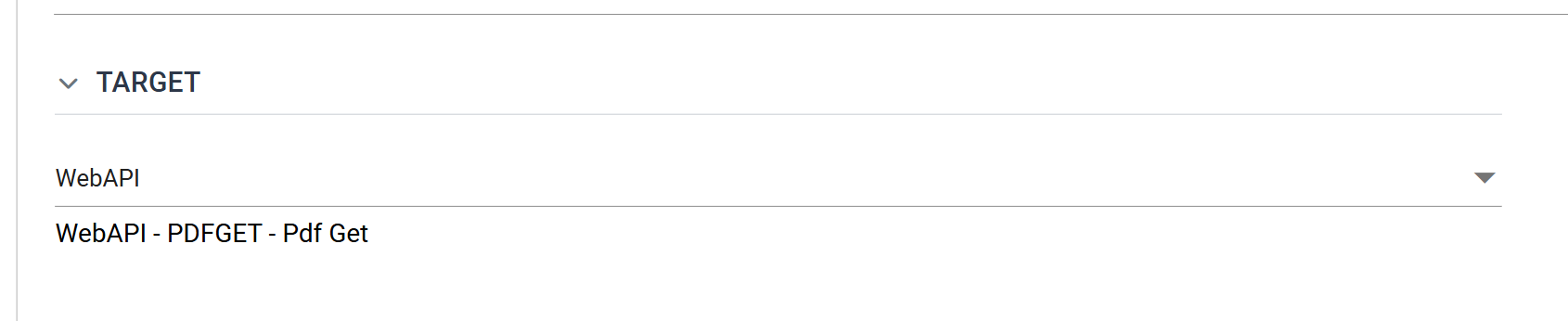
The line reads WebAPI - followed by the endpoint's Id and Description, as
defined in Setup > WebAPI Endpoints. IMan finds the endpoint by following the
chain up from the writer to the WebAPI Reader and reading its
Endpoint setting. If there is no
WebAPI Reader above the writer, the line shows WebAPI - with nothing after
it, and the writer has no request to respond to.
Which writers offer it
| Writer | Offers WebAPI |
|---|---|
| CSV, XML, JSON | Yes, beside File, http(s) Url and Transaction |
| Form URL | Yes, beside http(s) Url |
| Http Redirect | Its only target — the drop-down does not render, only the line |
| Excel, Fixed Width Text, Database | No |
What the response is
For the CSV, XML and JSON writers the response body is the document the writer would otherwise have written to a file. To return JSON to the caller, use a JSON Writer on WebAPI.
Two writers shape the response instead of filling it with a document:
- The Form URL Writer with Post Type Multipart Form URL Encoded returns a file. Its Make File as Attachment setting, which appears only on this target, marks that file as a download.
- The Http Redirect Writer sends
no body at all: it sets the response's status code and
Locationheader from two fields of the data.
This controller does not read the request's body. A reader beneath the WebAPI
Reader reads it through the
Transaction controller,
from the Http.Content field.
Worked example
WebAPI Integration Setup builds an integration end to end and returns its result through a writer on this target.