Integration Creation (Design Tab)
Welcome to the integration designer.
Design Tab
The Design tab is the first screen you see after you log in, and where you do most of your integration design.
The function tabs run across the top of the Design screen. To reach any tab beyond Options, first select an integration from the Integration Id drop-down and press the Edit button.
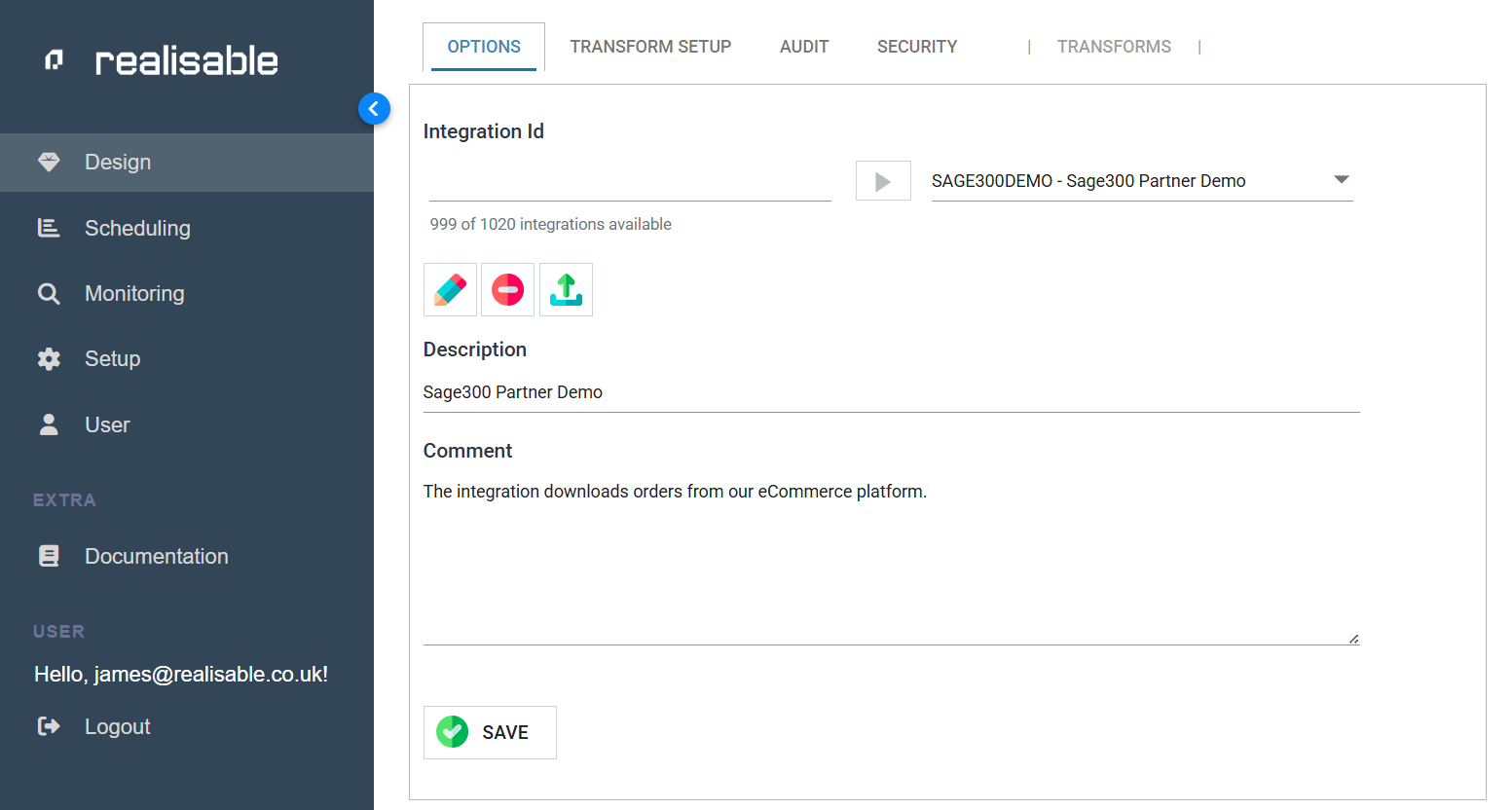
Options Tab
Select the integration to work on and configure some initial settings.
Transform Setup Tab
The graphical interface where you design integrations.
Audit Tab
Each transform keeps an audit log for every record it processes. You can organise these log entries into groups for reporting.
You define these Report Groups, each with its own Id, on the Audit tab. Each group can email an Audit Summary report to the relevant users automatically.
Security Tab
You can set each user's access to each integration.
Example
Users marked as administrators have access to integration creation, while non-administrators may (optionally) schedule integrations and maintain lookups.