Form URL Reader
The Form URL Reader reads text in the format an HTML form posts it:
application/x-www-form-urlencoded, key/value pairs joined by ampersands. It
turns the text into one record whose fields are the keys. It usually sits
beneath a WebAPI Reader and parses
the body of a posted form from the Http.Content field. It can also read the
same text from a file.
Given this input:
the reader produces a record with three fields:
| Field | Value |
|---|---|
first |
FirstValue |
second |
The Second Value |
third |
Finally The 3rd |
The reader decodes the text: a + becomes a space and a %xx escape becomes
its character. The values arrive as they were typed into the form. A key that
appears more than once gives one field holding its values joined with commas.
Setup
The reader has no options of its own. Its Setup tab holds only the Source section.
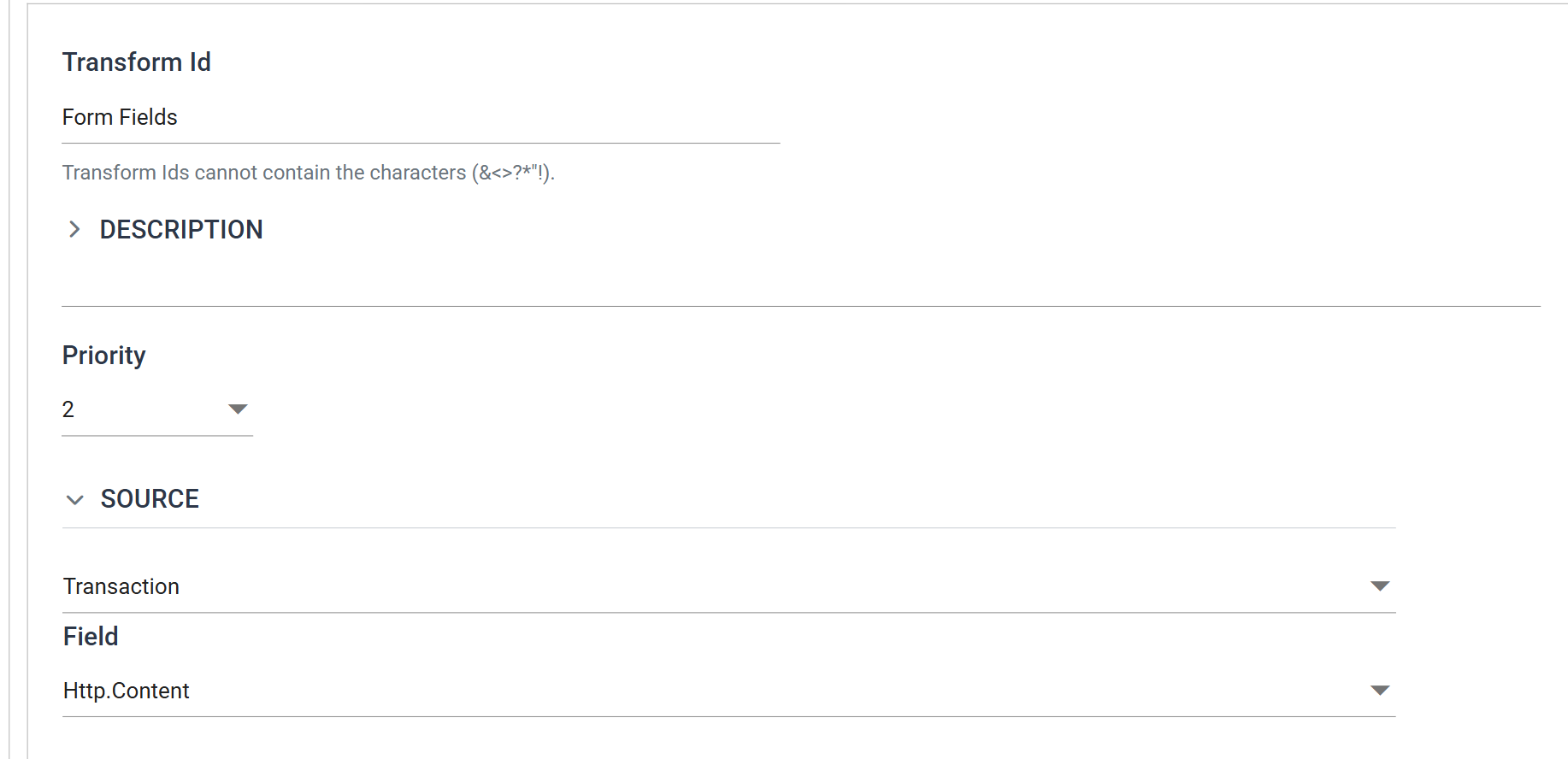
Transform Id
The unique name of the transform.
Priority
The order this reader runs in among the transforms that share its parent.
Source
An IO controller supplies the text, and the reader offers two:
- Transaction, the
default — one field: Field, a top-level field of the parent transform.
Beneath a WebAPI Reader that is
Http.Content, the request body. This is the main use of the reader. - File — File System, File Path, File Name and Encoding Method.
It does not offer http(s) Url or Email.
Field Mapping
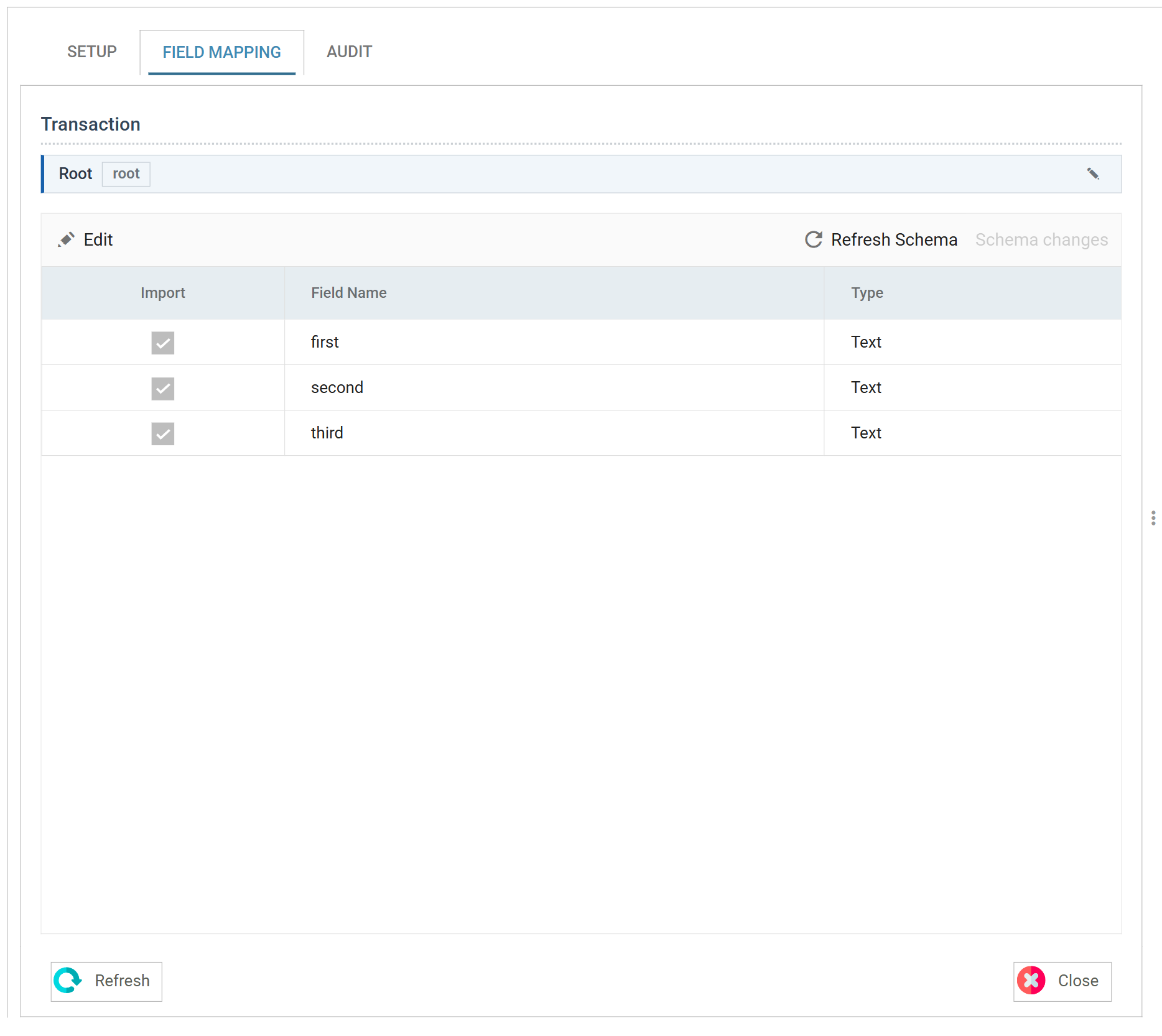
Press Refresh Schema on the field grid's toolbar and IMan parses the source and lists its keys as fields, all of type Text, on the reader's one transaction. The only thing to configure is which fields to import.
Beneath a WebAPI Reader the source is the request body, so the WebAPI Reader must have a request before this reader can find any keys. First run Refresh Schema or Preview on the WebAPI Reader with a debug request. Until then the line above the grid reports "Error whilst obtaining the input transaction for meta-data generation. If the Reader is parameterised from an incoming transaction, the Preview of the preceding transform(s) must have at least one transaction."
The grid shown above was detected from a file holding the example text. The same three fields appear when the text arrives as a request body.
Worked example
WebAPI Integration Setup
shows the pattern this reader follows, with a JSON body: a reader on the
Transaction controller beneath the WebAPI Reader, parsing Http.Content. For a
form-encoded body, build the same integration with this reader in place of the
JSON Reader.