Database Connections
Database functions such as DB Read, DB Write and Lookups need a connection string to connect to the target database.
A connection string provides the details necessary to find and authenticate with the database.
The DB Read and DB Write transforms and Lookups can each define their own connection string. Defining a database connection here lets several integrations and lookups reuse the same connection.
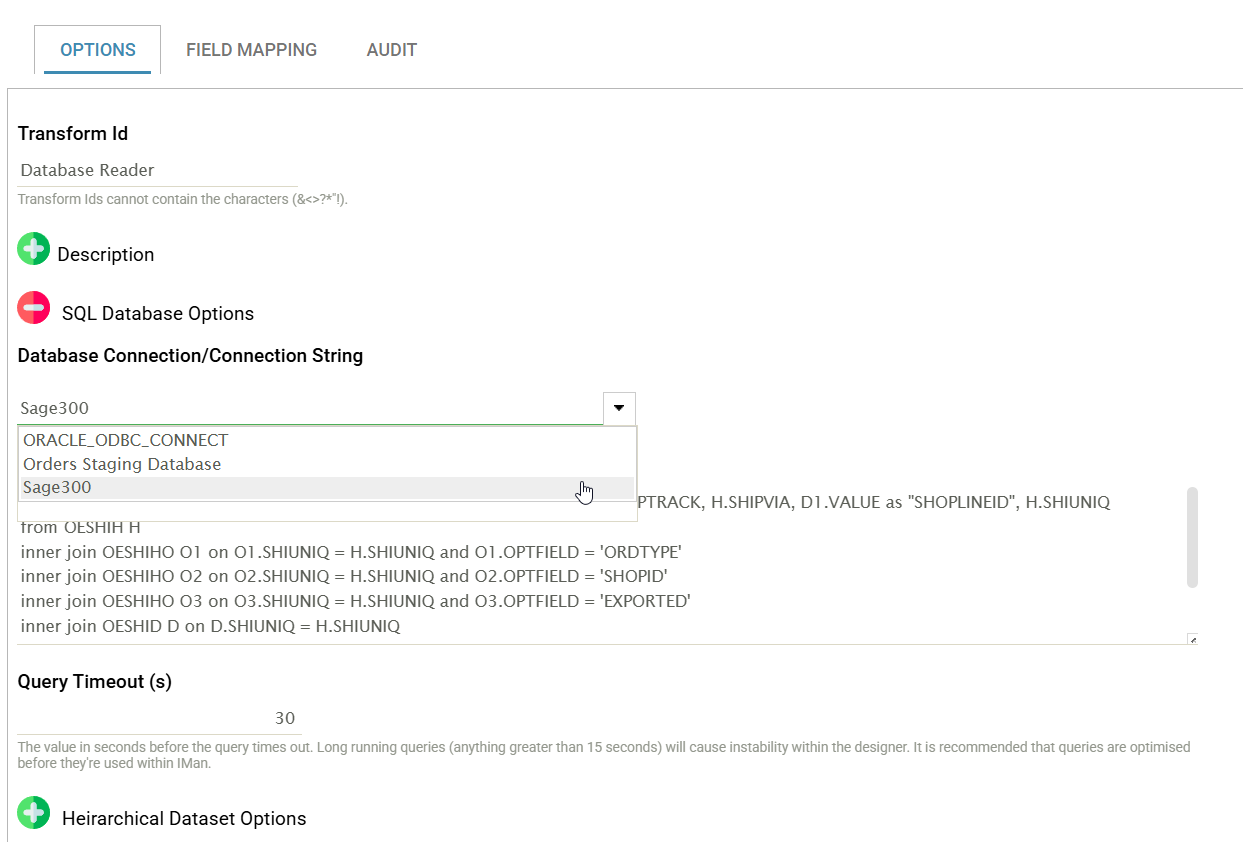
Setup > Database Connections
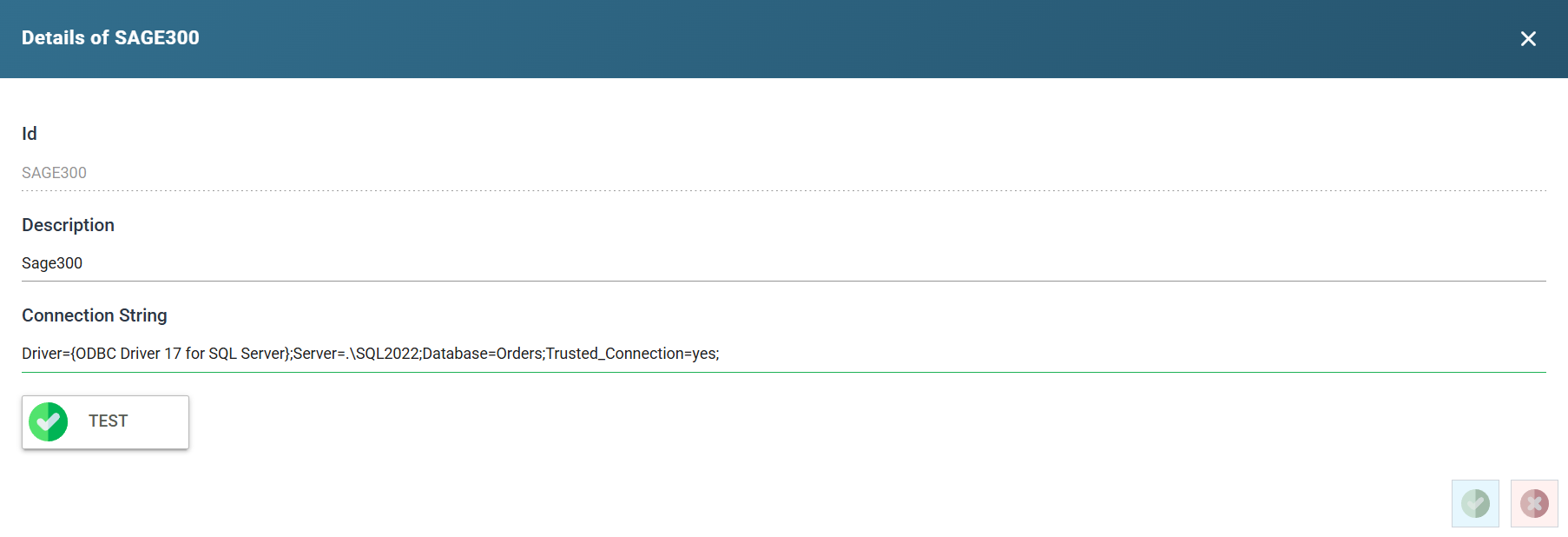
ID
A unique Id for the specified Database connection.
Description
A useful description for this connection.
Connection String
The connection string to find and authenticate the database.
The connection string must be in ODBC format. Native .NET connection strings are not valid.
IMan masks the secrets in a saved connection string. The value of Pwd, Password or another secret key, such as AccountKey or ApiKey, shows as ********, followed by the last three characters when the value is eight or more characters long. A Show secrets button appears under the box when the string holds a secret. Press it to show the stored values, and press Hide secrets to mask them again. Showing them needs the Can reveal a stored secret in full permission. You can edit the rest of the string while the mask is in place. IMan keeps the stored value until you type a new one over the mask.
A good resource for constructing connection strings is: http://www.connectionstrings.com/
Parameterised Connection Strings
You can parameterise the connection string to connect to different databases dynamically.
Parameters take the form %[1], %[2].
For example, the connection string below parameterises the Database value with %[1]. When the connection string is parameterised, Test lets you enter a value.
![A database connection dialog with the connection string parameterised: the database name is replaced by the placeholder %[1], and a Parameter - 1 box beneath it supplies the value](../../../../assets/Documentation/Resources/Images/UG/13.Setup_Admin/DatabaseConnectionsParameterised.png)
Test
Press Test to check that the connection string is valid and working. A green tick on the button means IMan opened the connection. A red cross means it could not, and the database driver's error appears to the right of the button.