Azure Authorisation
Follow these steps to authorise an SMTP or POP3 mailbox.
- On the SMTP or POP3 configuration page, press Authorise.
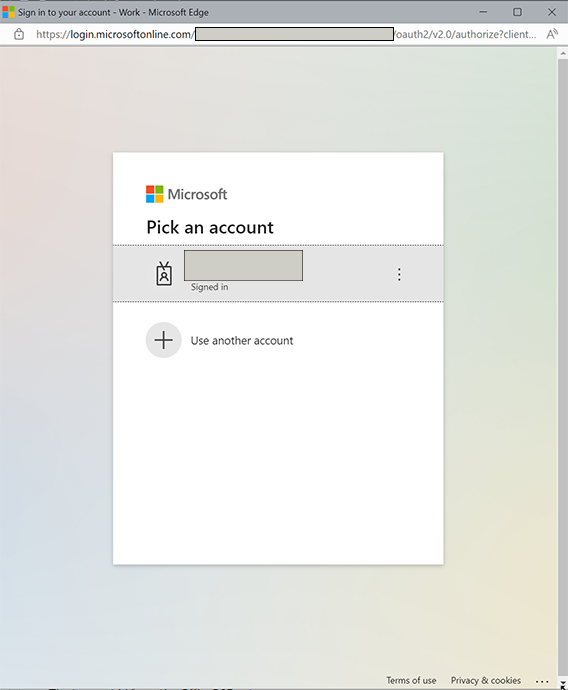
- IMan opens a pop-up window at the Office 365 sign-in page.
- Sign in as the email account that will send mail (for SMTP) or whose mailbox IMan will read (for POP3).
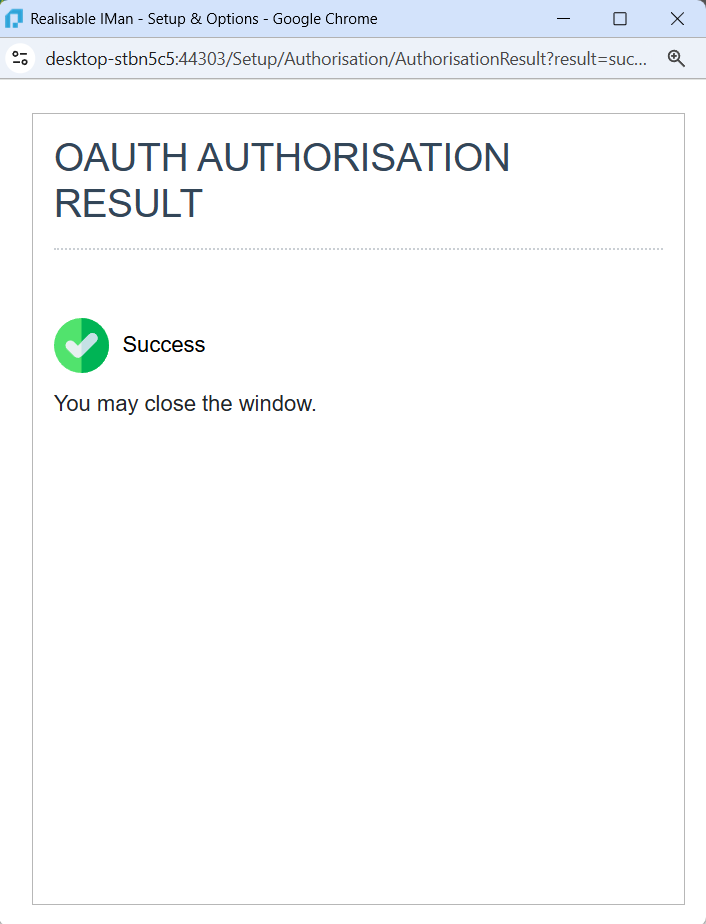
- If authorisation succeeds, the browser shows a success page.