Security Tab
You configure security in IMan separately for each integration.
Each integration has its own set of permissions.
Only Administrators can design, modify and delete integrations.
Design > Security Tab
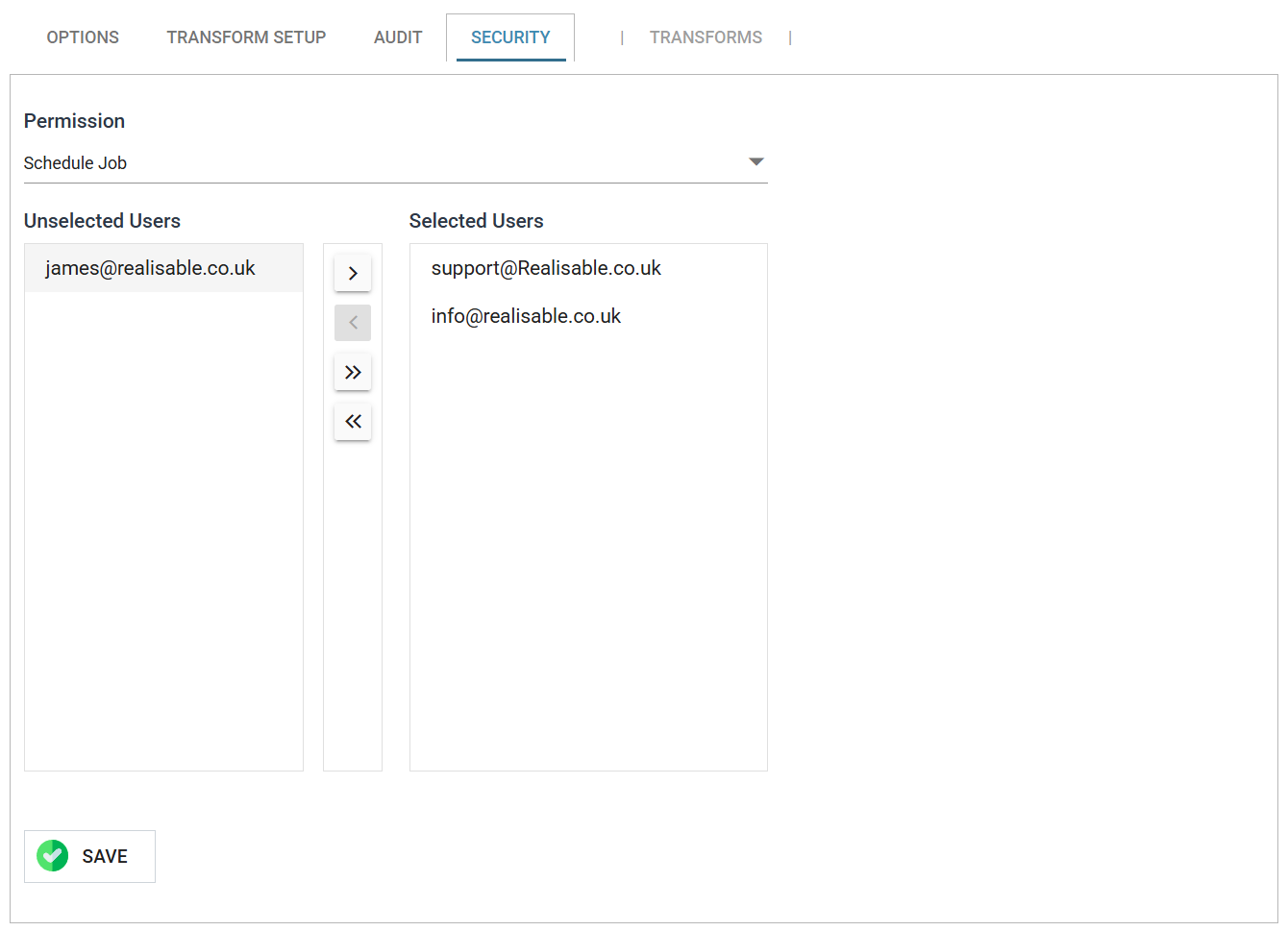
Permission
The permission to grant.
- Schedule Job
- The chosen users can run the integration and maintain its schedules.
- Maintain Lookups
- The chosen users can maintain the internal lookup tables assigned to the integration. See VBScript & Lookups for details.
Assigned Users
To give a user the permission, select the user in the Unselected Users list and press the single right arrow. The double right arrow moves every user across.
To remove a user's permission, select the user in the Selected Users list and press the single left arrow.
- Unselected Users
- Users who do not have the selected permission.
- Selected Users
- The users who have the selected permission.