Custom Property Sets
A custom property set is a list of named properties. An endpoint names one
set. Every web user permitted on that endpoint holds a value for each property
in the set. A request from that user arrives in the integration with those
values as Http.User.<property> fields. The set defines the properties and
each user holds their own values, so one integration can answer many callers
differently.
Example
Each web user is a customer in your accounting or ERP system. A CustomerId
property holds each user's own account code. A query integration can use it to
restrict every request to the caller's own orders. An order integration can use
it to post each order to the right account. Neither needs to trust anything the
request itself says.
How the three screens relate
- Define the set and its properties here.
- Choose the set on the endpoint, under Custom Property Set.
- Assign web users to the endpoint. Each assigned user gains a value for every property in the endpoint's set. The value is empty until you fill it in on the Web Users screen.
Removing a user from an endpoint takes those values away again, unless another endpoint that uses the same set still lists the user. User Property & Request Relationship shows how the values reach a request.
Creating a property set
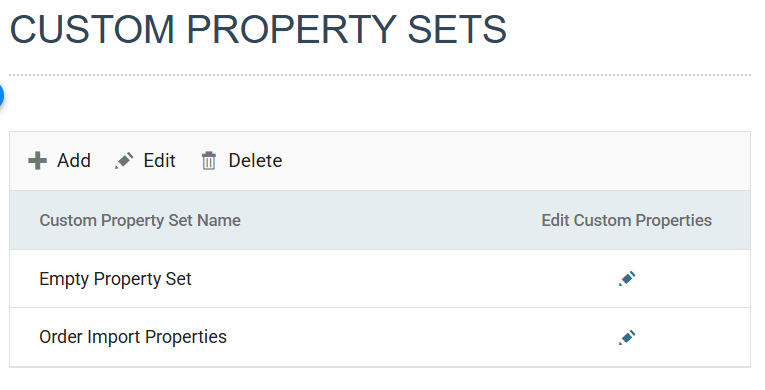
Setup > Custom Property Sets lists the sets, with an Add, Edit and Delete toolbar and a pencil against each set for editing its properties.
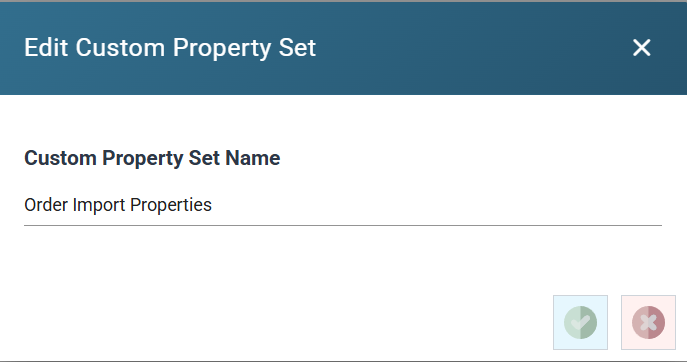
A set has one setting of its own: its name, up to 60 characters. You add the properties afterwards, from the pencil.
You cannot delete a set that an endpoint uses. Remove it from the endpoint first.
Adding and editing properties
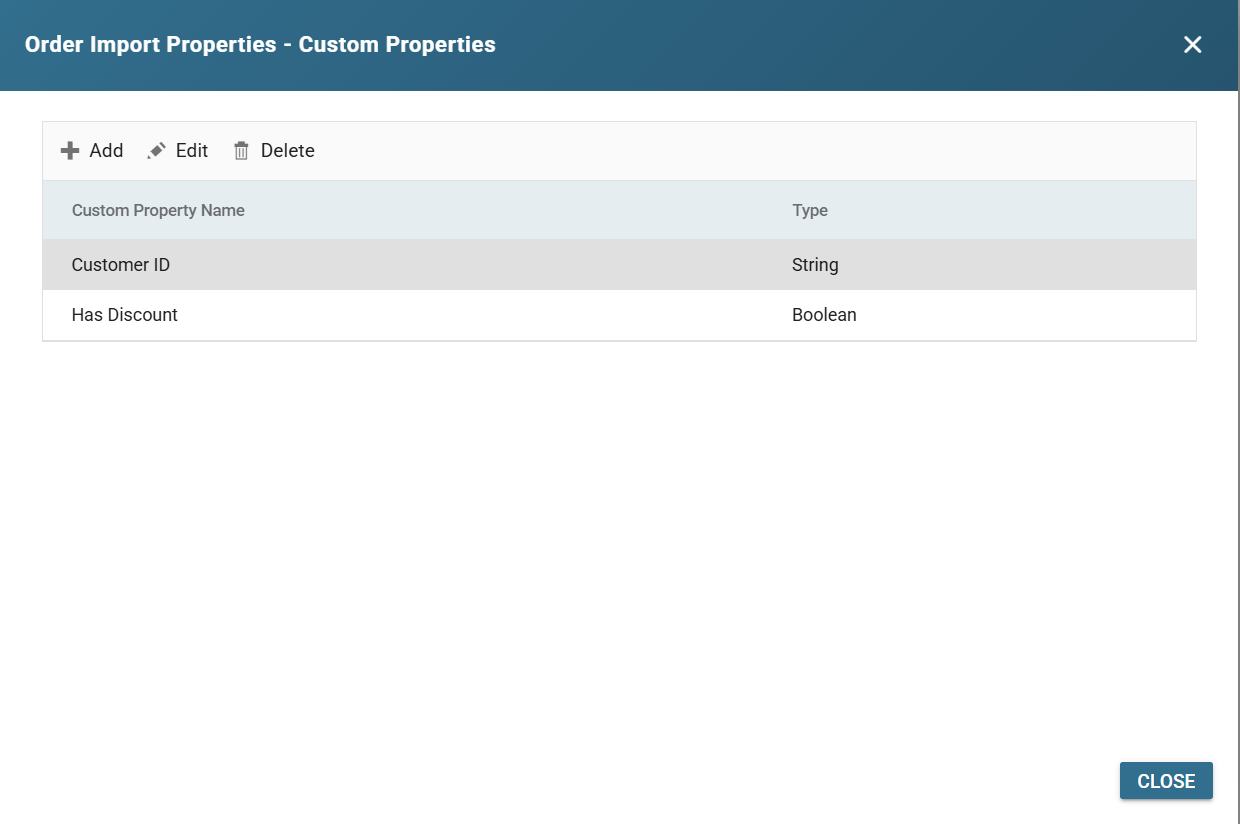
Press the pencil under Edit Custom Properties. The dialog lists the set's properties by name and type, with its own Add, Edit and Delete.
A property has a name, up to 60 characters, and a type: String, which also takes a Maximum Length, or Boolean.
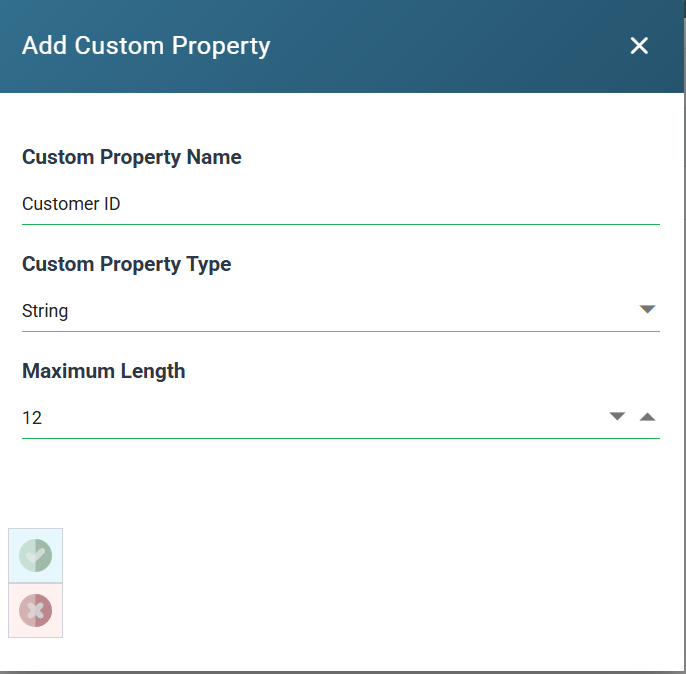
The name becomes the field name after Http.User. in the integration, exactly
as typed. The property above arrives as Http.User.Customer ID. A name
without spaces, such as CustomerId, is easier to refer to in a formula.