PJC Timecard Import
Sage 300 PJC Timecard Import (SAMACCPJCTIME)
This imports an Excel file into Sage 300 as PJC Timesheets. It is the shortest of the Sage 300 samples, and a good one to read first.
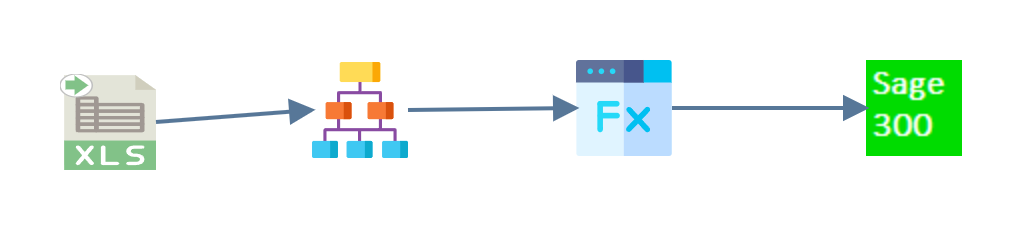
- Read
- Hierarchy
- Map
- Connector
Read
An Excel reader pulls the data from
PJCTimecard.xlsx in G:\IMan\InputData, taking the first worksheet and
treating the first row as headings. One spreadsheet row is one line of one
employee's week: the contract, project and category, and the hours booked
against each day.
Hierarchy
A timecard is a header with lines beneath it, so the Hierarchy transform gives the flat rows two levels: the timecard itself and the detail lines that total it.

The employee and the dates identify the timecard and stay at the Timecards level. The contract, project, category and five day columns describe a line and go to TimecardSummary.
Map
The Map transform adds one field, TimecardId, to the Timecards transaction.
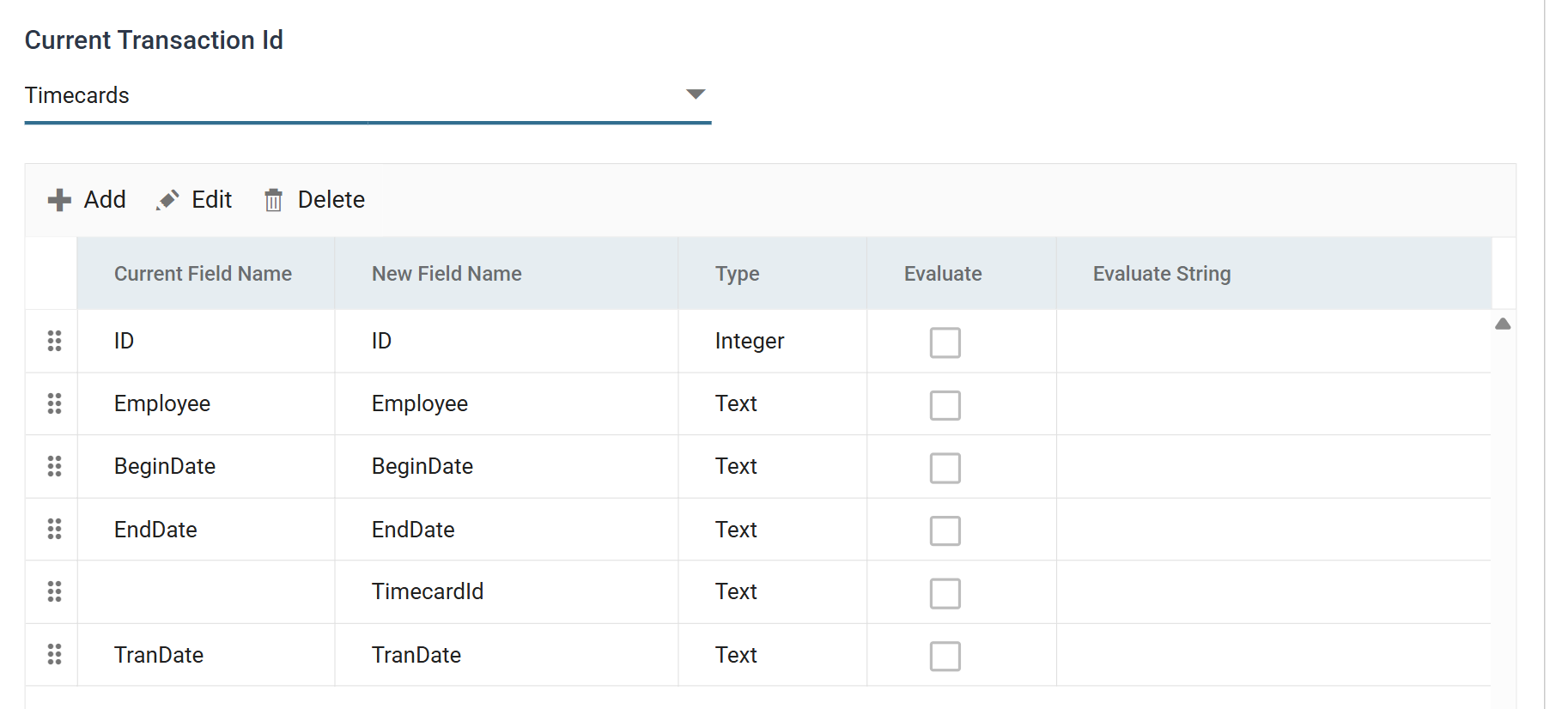
The field has no value and no formula. Sage 300 numbers a timecard when it creates it, and the connector needs a field to write that number back into. The connector fills in TimecardId as it creates each timecard, so the run's audit summary can report each timecard with the number Sage 300 gave it.
Connector
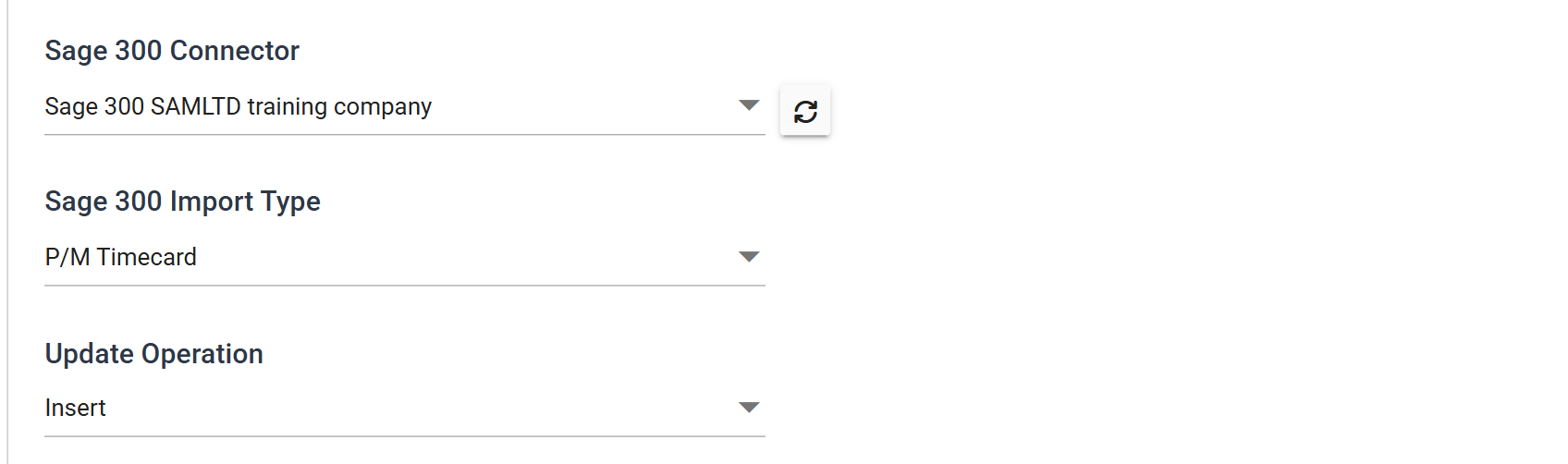
The Sage 300 connector creates the timecards.