Global Options
Setup > Global Settings defines the global user authentication policies.
A policy change needs the Authorisation service restarted
After you change a policy, restart the Authorisation service.
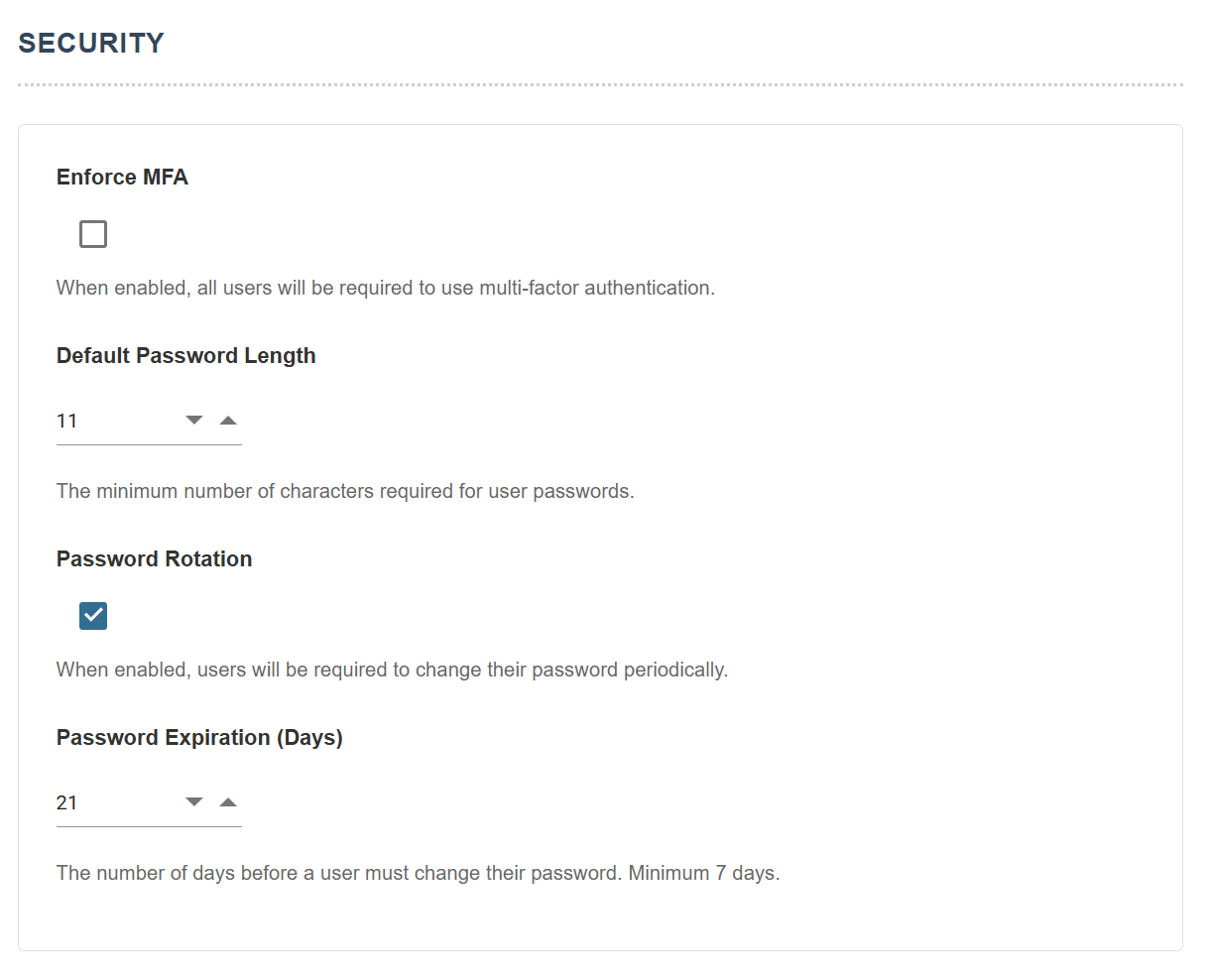
Enforce MFA
When enabled, every user must register a one-time password generator, such as Google Authenticator or Microsoft Authenticator. Password managers such as 1Password also provide this capability.
Default Password Length
The minimum number of characters a password must have.
Password Rotation
When enabled, all users must rotate their passwords.
Password Expiration (Days)
When password rotation is enabled, this sets the number of days after which users must rotate their passwords.