Push Connectors
Push connectors push data into an application. They are in the Connectors group of the design palette, one symbol per application.
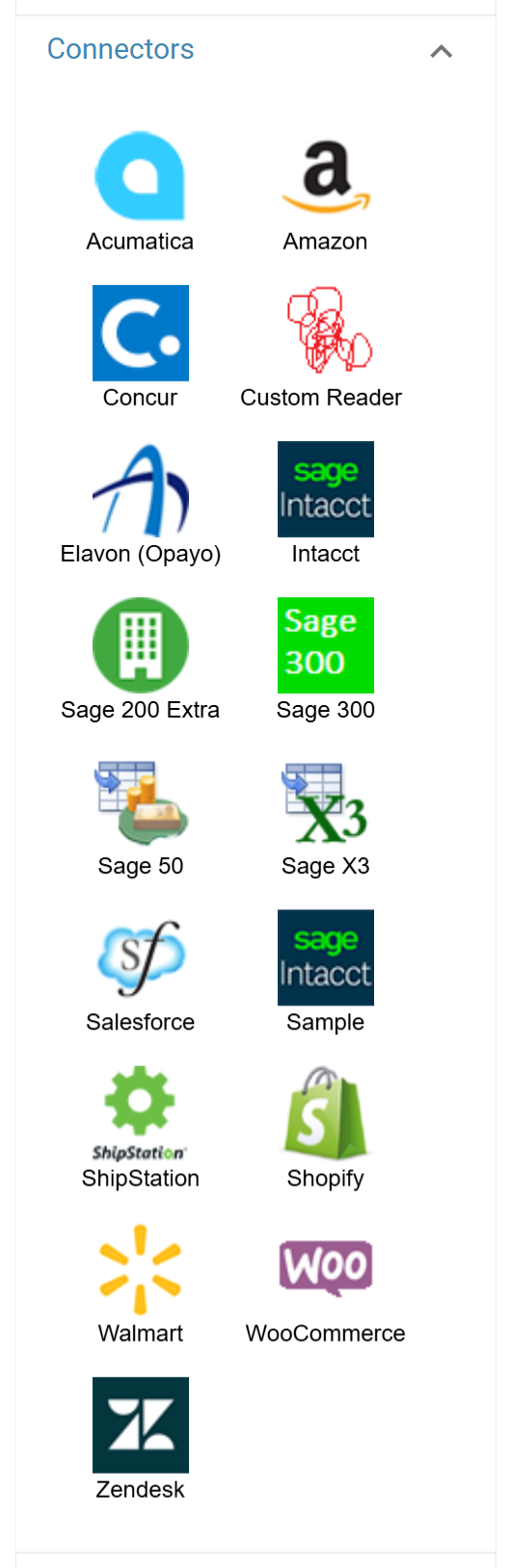
Drop one on the diagram and connect it downstream of the data. The resulting transform has three tabs, each described on its own page:
- Push Connector > Setup Tab — which system, which import, and whether records are inserted, updated or deleted.
- Push Connector > Field Mapping — mapping IMan's transactions and fields onto the application's.
- Push Connector > Audit — logging, audit summaries and error handling.
Everything specific to one application — its import types, its natural keys, its writeback fields — is in that application's own guide.
Warnings, Errors, Log Keys & Error Handling and their effect on the Audit Report
Warnings
A warning prints once in the detail section of the audit report.
Errors
An error typically prints once for each level of the record, until either the 'Reject Record' action handles it or the transform aborts.