General navigation
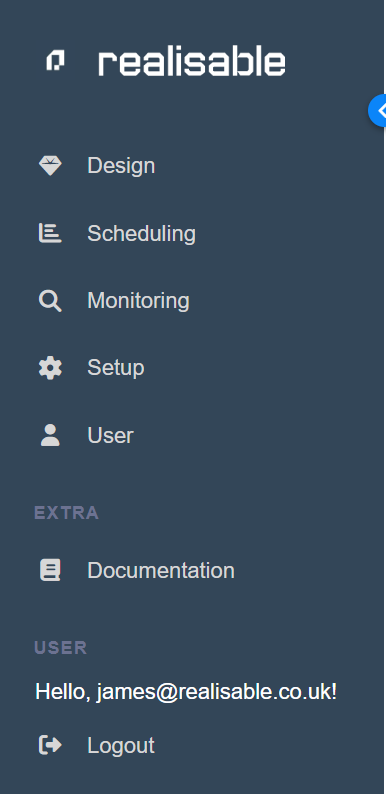
You navigate IMan from the sidebar down the left of every screen. Each entry has its own section in this guide. This page introduces the main ones.
To collapse the sidebar to its icons, press the chevron at its top right. The working area then takes the full width of the window. Press the chevron again to restore the labels.
The sidebar
Design
Opens the Integration Designer, the main screen for setting up integrations.
Design is shown only to administrators
IMan shows Design only to administrators. A non-administrator sees the same sidebar without it.
Scheduling
Schedule or run integrations.
An integration can be run without the Designer
You can also run integrations in other ways: WebAPI, File Events, Command Line and Email Event.
Audit Log
Query the historical audit logs: what ran, when and what each transform reported.
Integration Monitor
A live view of what is running now and what has run recently, grouped by integration.
Setup
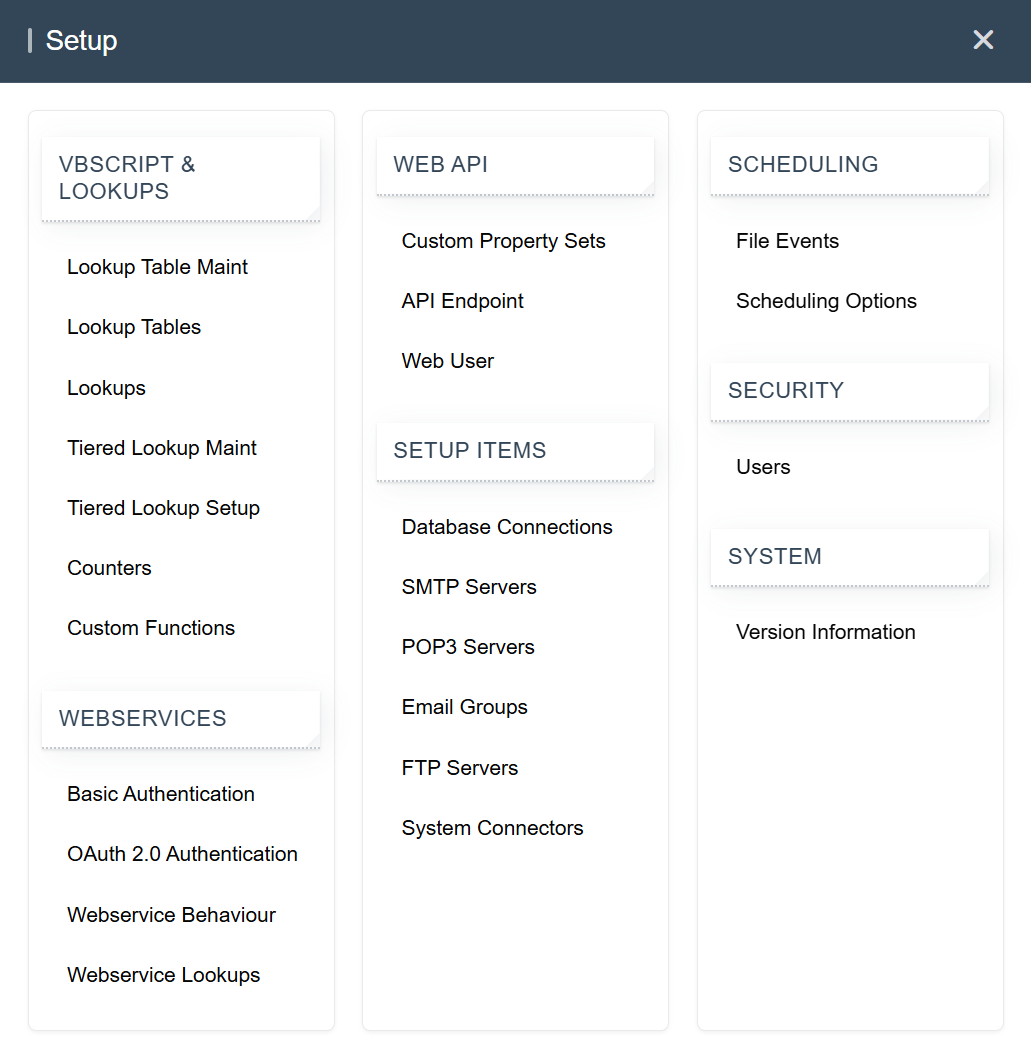
Add, edit and delete the items your integrations depend on, such as Lookups, WebAPI, Database Connections, SMTP Servers, Email Groups and System Connectors.
IMan shows a pop-out panel of all the setup items, grouped under VBScript & Lookups, Webservices, Web API, Setup Items, Scheduling, File Services, Security and System.
User
Change your user details, password and two-factor authentication.
Documentation
Opens this documentation site in a new tab.
Logout
Logs you out of IMan immediately, without asking you to confirm.