IMan Login
-
Open a web browser and enter the URL for your IMan server into the address bar:
- https://<servername>:44303/IMan
- Replace <servername> with the name of the server or workstation on which IMan is installed.
- Note the port, 44303.
-
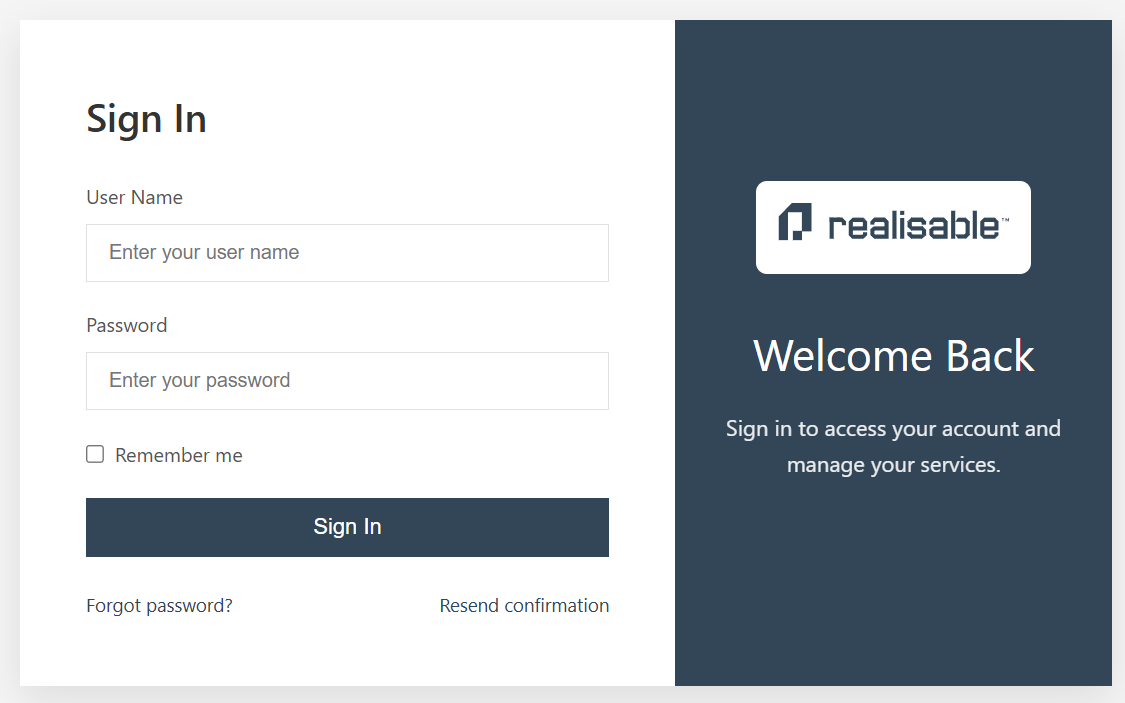
Enter your user name (your email) and password, and press Sign In.
2FA/ One Time Password (OTP)
When 2FA is enabled, IMan asks you for the OTP from your authenticator.
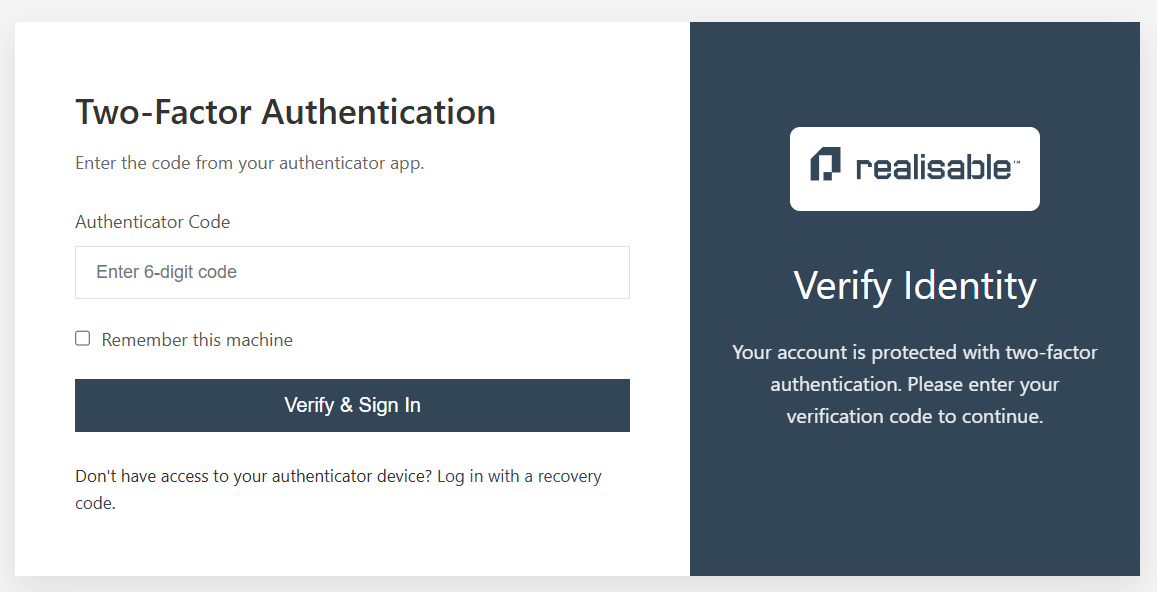
Password managers such as 1Password can also act as your authenticator and can auto-fill the OTP.
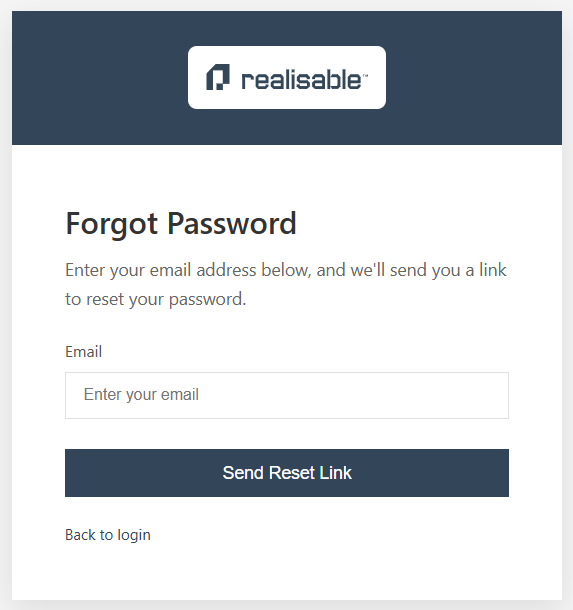
Forgot Password
Sends you a link to reset your password.