Command Line Scheduling
You can run an integration from the command line, so an external process can start it.
An integration run from the command line runs exactly as it would from the IMan scheduler or a monitor.
Use the following syntax:
Where:
<InstallPath>
The folder where IMan is installed. Typically this is c:\Program Files (x86)\Realisable Software\IMan\IntManEng<INTEGRATIONID>
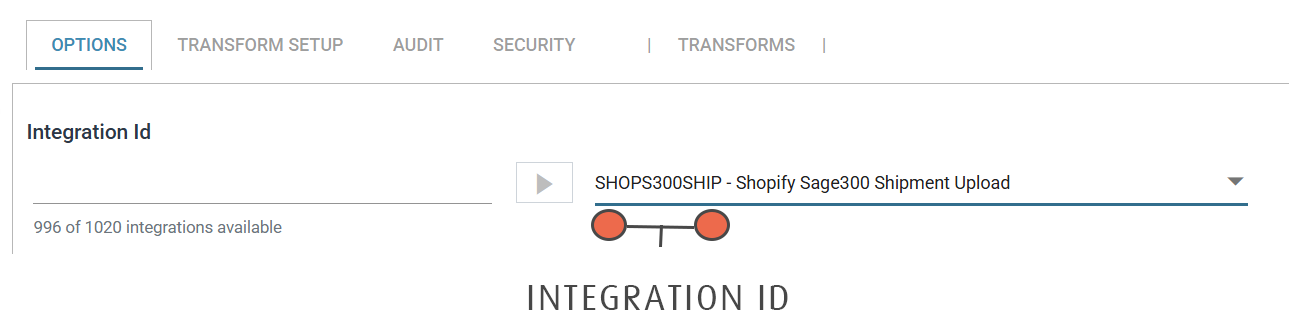
The id of the integration, given to it when it was first set up. You can find it in the drop-down on the Design tab.
Quote an Id containing a space or a special character
If an integration Id contains a space or a special character, such as a comma (,) or ampersand (&), put quotation marks around it.
User Permissions
An integration run from the command line runs under the current user's Windows security context.