System Connectors Setup
System connectors hold the settings IMan needs to connect and authenticate to applications such as Sage 200, Sage 300, Acumatica and Salesforce.
The default connectors may have the wrong settings for your system. Review each one and change it where needed.
- Select System Connectors on the left-hand side of the Setup menu.
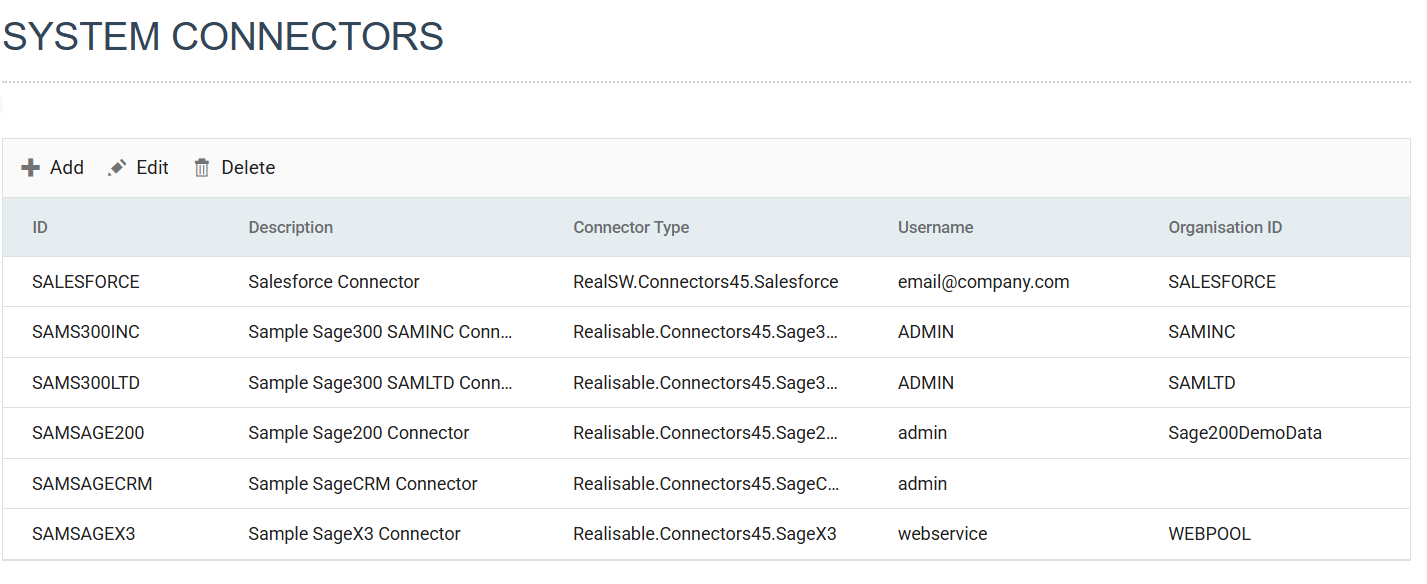
- Click the relevant row in the grid to edit its settings.
- Change the Connection String, Username, Password and Company Id fields as your setup needs, then press Test to check that IMan can connect.
- For the details for each application, see its connector setup:
- Acumatica
- Sage 200
- Sage 300
- Sage X3
- Salesforce