IMan User Setup and Login
To register your user and log in:
-
Open the IMan login page in either of these ways. The first time you open IMan, it takes about 15-20 seconds to load.
- Open a web browser and enter the URL for your IMan server in the address bar:
https://<servername>:44303/IMan. Replace<servername>with the name of the server or workstation where IMan is installed. Note the port, 44303. -
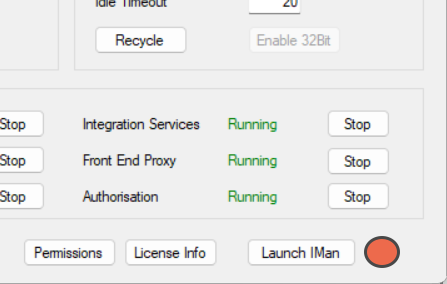
Press Launch IMan in the Admin Console.
- Open a web browser and enter the URL for your IMan server in the address bar:
-
Create and register a new user.
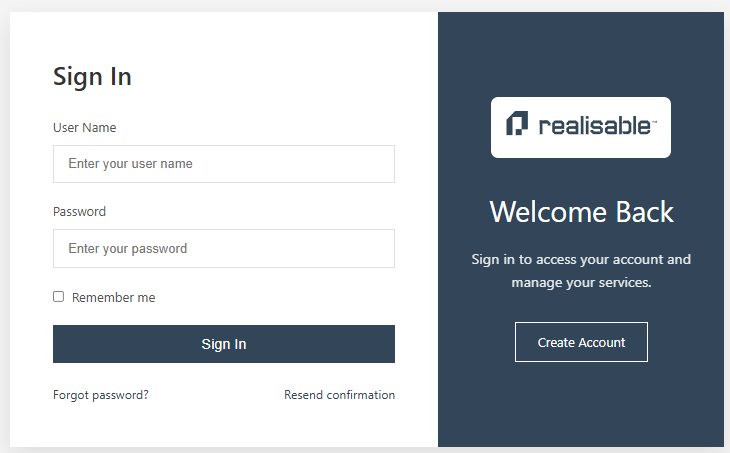
- Press Create Account on the Login screen.
-
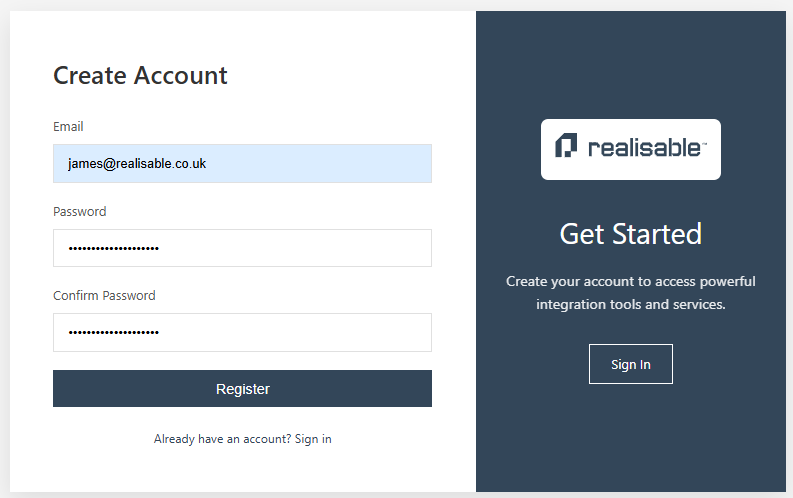
Enter an email address, a password and the password again to confirm it, then press Register.
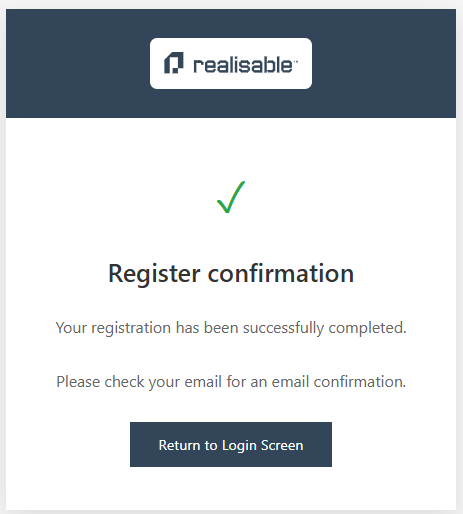
If IMan can send the registration email, it shows a confirmation.
 - Check your email for the registration message.
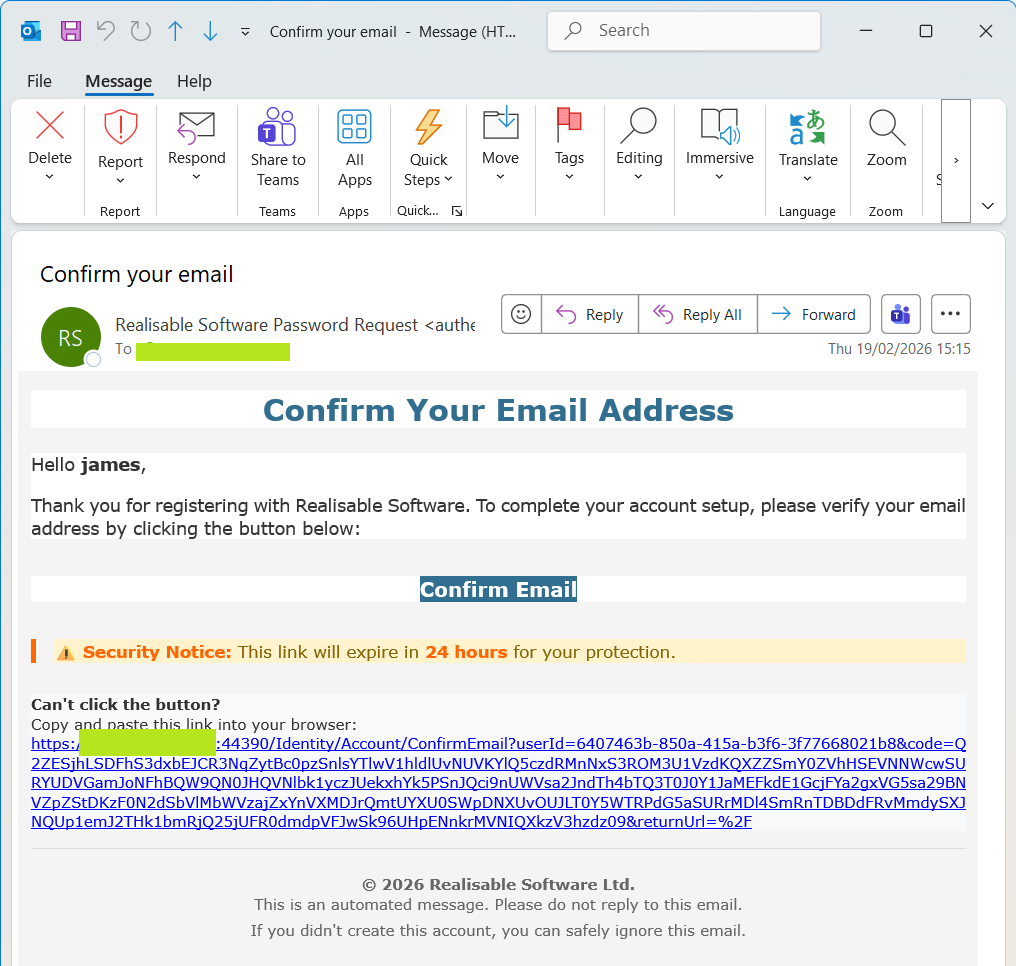 - The email contains a Confirm Email link, with a text version of the same link below it.
- If you can reach the IMan server from your computer, click Confirm Email.
- If you can reach the IMan server only through, for example, an RDP session, copy the text link and paste it into a browser on the RDP server.
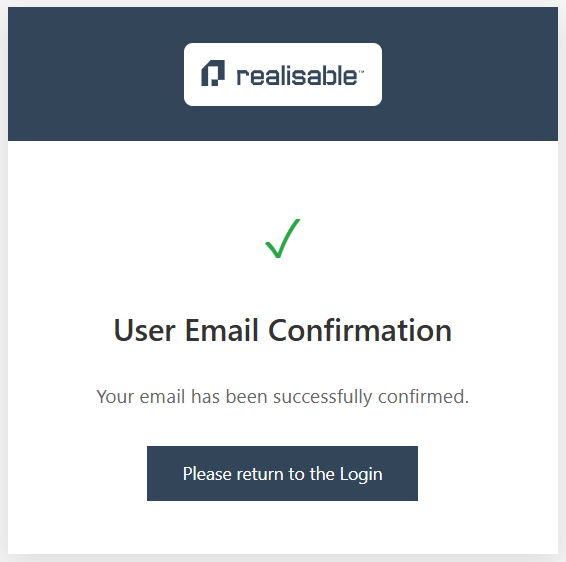
- If the confirmation succeeds, IMan shows the page below. Press Return to Login.
- The email contains a Confirm Email link, with a text version of the same link below it.
- If you can reach the IMan server from your computer, click Confirm Email.
- If you can reach the IMan server only through, for example, an RDP session, copy the text link and paste it into a browser on the RDP server.
- If the confirmation succeeds, IMan shows the page below. Press Return to Login.
-
Log in with the credentials you created.
- Press Create Account on the Login screen.