Registering, Refreshing & Activation
Activating
- In the License window, enter the Serial Number. To fill in the registration details Realisable holds for that serial number, press the button beside it.
- Complete or correct the purchaser's details. The fields marked * are required.
- Press Activate.
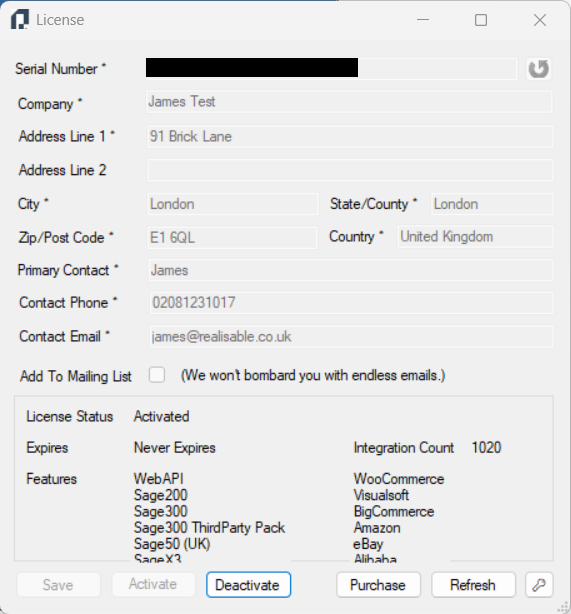
When the activation succeeds, License Status shows Activated. The details are greyed out, and the window lists the licence's features and its integration count.
To store the registration details without activating yet, press Save.
Refreshing Licence
If you buy new modules or integrations, press Refresh.
You do not need to restart any services. To refresh the licence in the IMan user interface, go to Setup > Versions and press the Refresh icon beside License Info.