Using SQL Commands
A Database Writer normally puts a field's value straight into a column. A SQL Command replaces that value with an expression the database server evaluates as the row is written — a server-side function, a calculation, or a mixture of both with values from IMan embedded in it.
Functions, and to some extent the syntax, are specific to the server on which they are invoked, so the examples below are written for SQL Server unless they say otherwise.
Where the expressions are typed
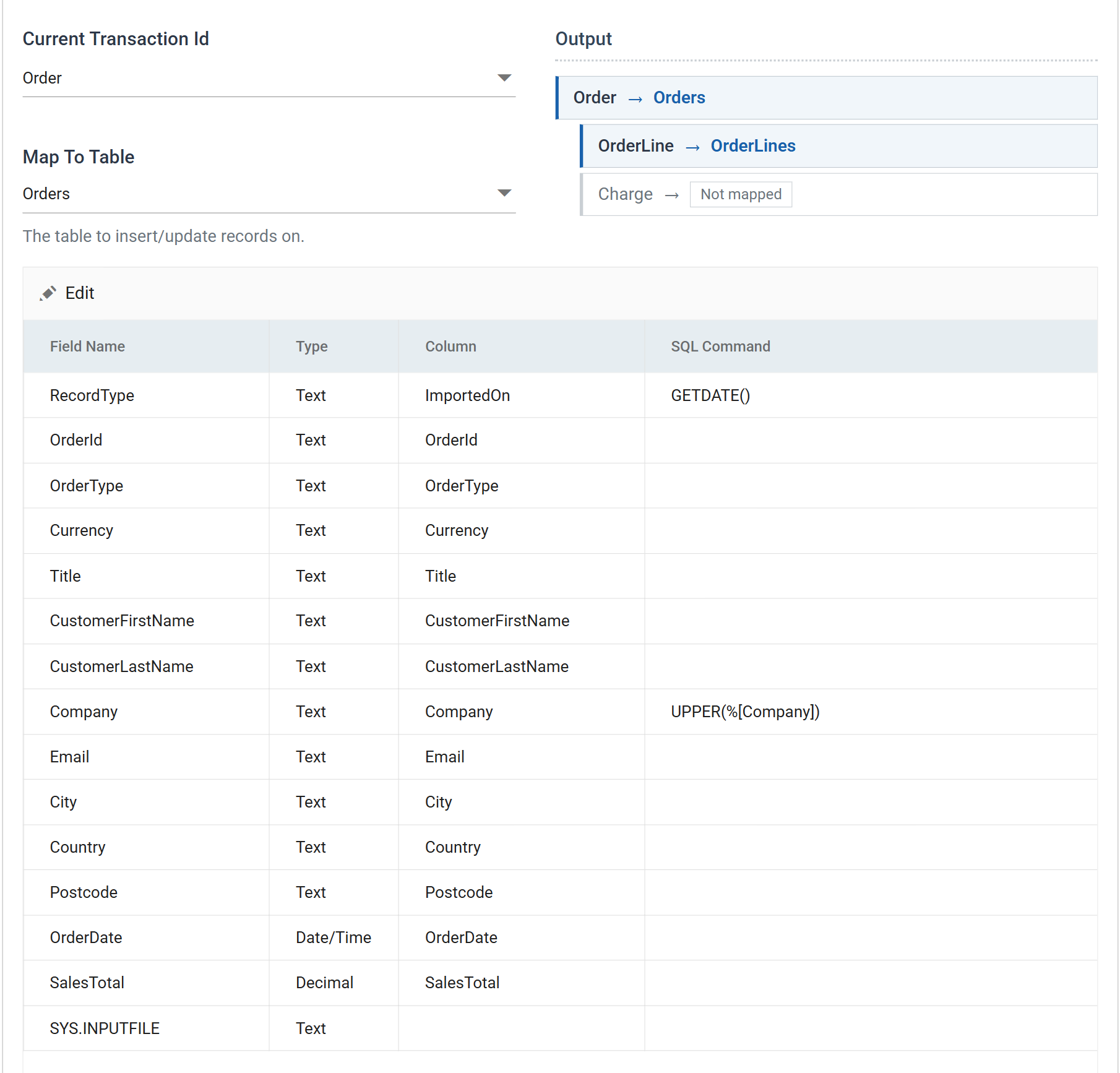
SQL Command is the last column of the field grid. Two things about that grid, before you go looking for a dialog:
- It edits in batch. Pressing Edit does not open a field dialog — it turns every cell in the grid into an input and swaps the toolbar for Save and Cancel. Clicking a row on its own does nothing.
- The row's own field is often irrelevant. The command replaces the value,
so where the expression carries no field reference the row is only somewhere
for the command to live. In the screenshot above,
RecordTypeis mapped to theImportedOncolumn purely to giveGETDATE()a home; nothing ofRecordType's own value reaches the database.
The example is DOCSWRITE's Database Writer against the IMANDOCS database
(see sample-data/README.md). It writes:
| Field | Column | SQL Command | Result |
|---|---|---|---|
RecordType |
ImportedOn |
GETDATE() |
The server's clock, per row |
Company |
Company |
UPPER(%[Company]) |
IMPERIAL SOAP INC |
OrderId       Company             ImportedOn
FBRN-309242   IMPERIAL SOAP INC   2026-09-03 07:41:52
FBRN-309243   F3                  2026-09-03 07:41:52
FBRN-309244   ENDEMOL BUILDING    2026-09-03 07:41:52
The connection decides the dialect
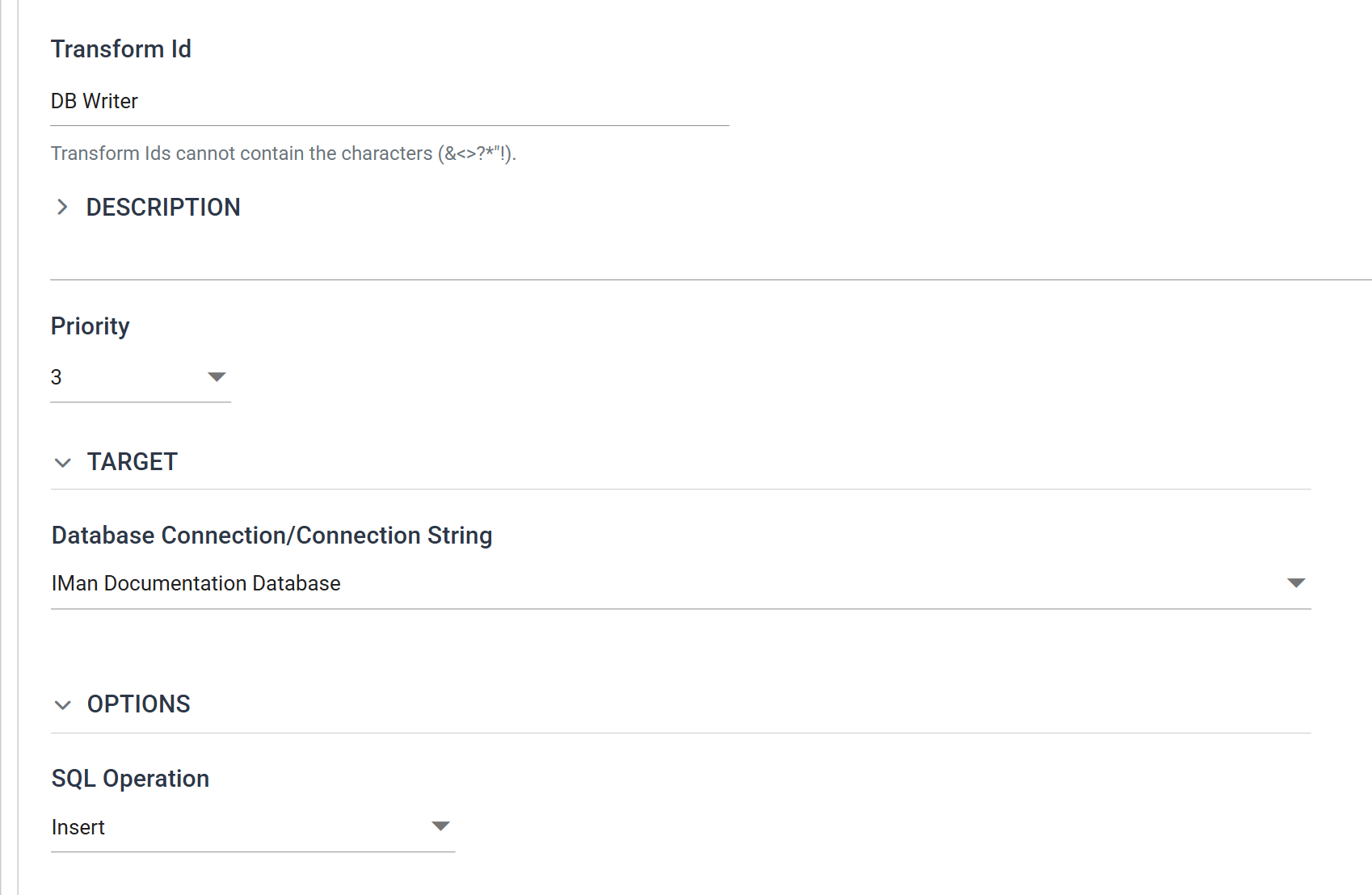
Nothing validates a SQL Command at design time. It is passed through to the server named on the Setup tab, and an expression that is perfectly good on SQL Server fails at run time on Oracle or Postgres. Check which server the connection points at before writing one.
Without Field References
The following function would return the current date on a SQL server.
The following function would return the current date on a Postgres server.
current_date takes no brackets, and errors if given them
The current_date function does not require brackets and indeed would cause an error if brackets were specified like above.
With Field References
Field references within SQL Commands allow you to embed values from IMan. It is typically necessary to enclose the field name in square brackets. This is necessary since there is often a trailing character to close the function or specify another argument (via a comma) in the function.
Single Field Reference
The following function converts a value to a Date on an Oracle database.
Multiple Field References
The following function adds a number of days (DaysToShip) to a Date (OrderDate).
Mixture of Functions and Syntax
The following function concatenates the current date on the server to a value (CustomerNote) from IMan.
Using the Oracle TO_DATE & TO_TIMESTAMP functions
The easiest way to handle date and date/time values on Oracle databases are to use the TO_DATE & TO_TIMESTAMP functions.
Converting to a Date Value
Converting a Date & Time Value
The following takes a value which has both date and time to reformat it to something which can be accepted by Oracle.
The format mask is the database's, not IMan's. Oracle's HH24:MI:SS.FF and
SQL Server's hh:mm:ss name the same parts of a time in different vocabularies,
and a mask copied from one to the other fails at run time rather than at design
time.
Verified against IMan 6.1 and SQL Server on 3 September 2026, against the
DOCSWRITE integration and the IMANDOCS database described in
sample-data/README.md. The Oracle and Postgres examples are reference syntax
and were not run.