User Profile
On the user profile page you manage your user details and authentication.
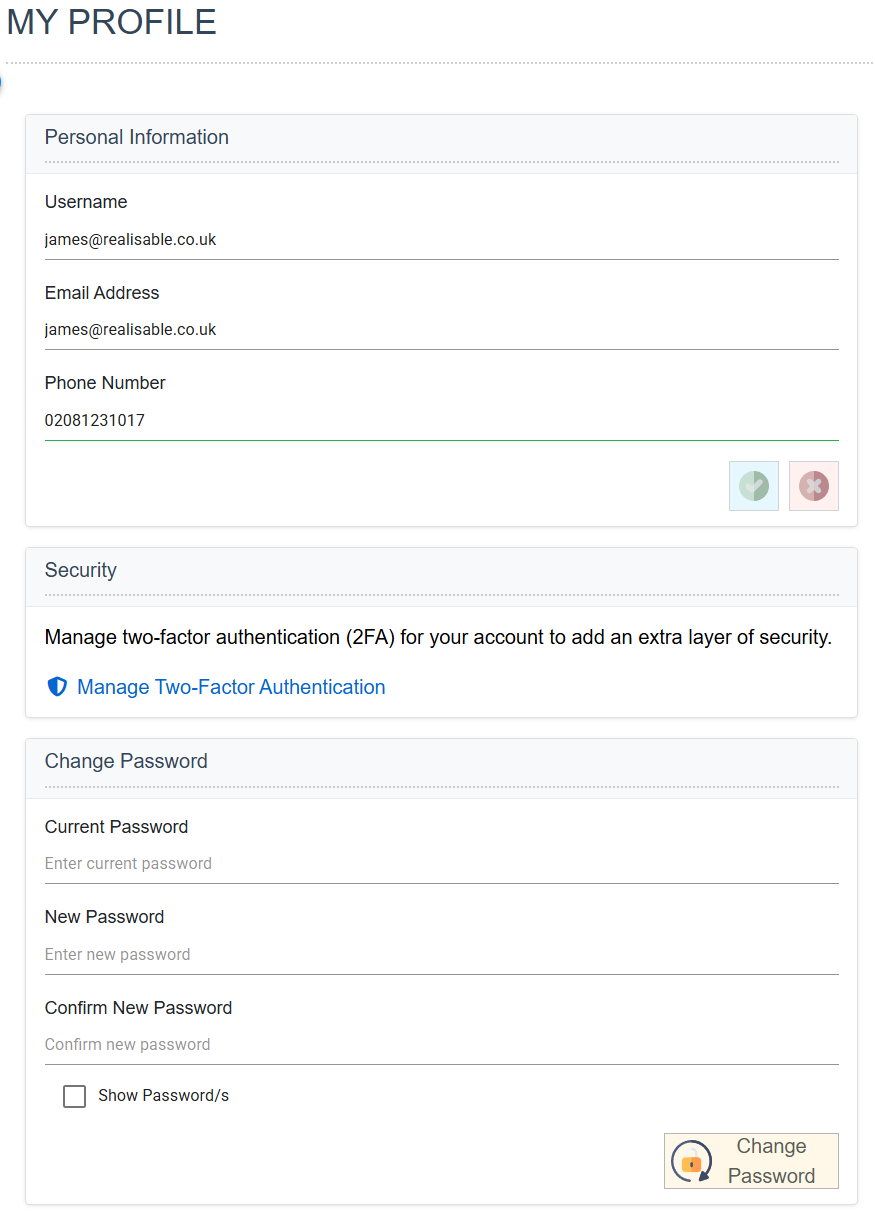
Email Address
Your email address.
Phone Number
Your phone number.
Manage Two Factor Authentication
Opens the Manage Two-Factor Authentication screen.
Changing your password — Current Password, New Password and Confirm New Password
To change your password, enter your current password and a new password, and press the Change Password button.
Manage Two-Factor Authentication
On this screen you manage 2FA for your user.
Enabling 2FA
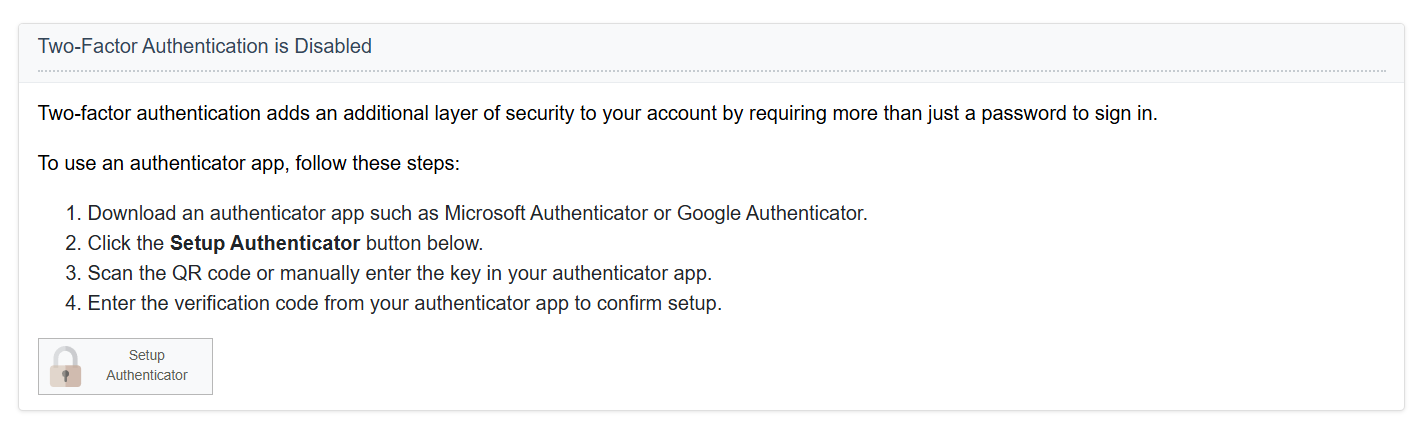
If your user does not use 2FA, you can enable it.
- Press Setup Authenticator.
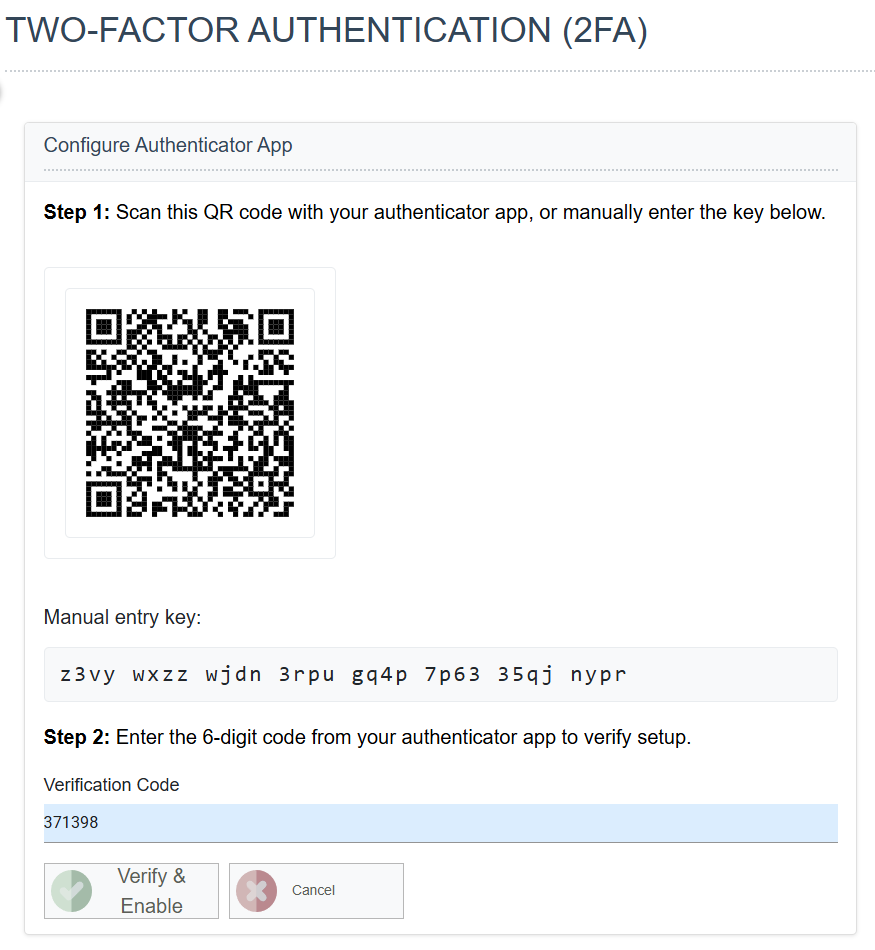
- Configure your Authenticator.
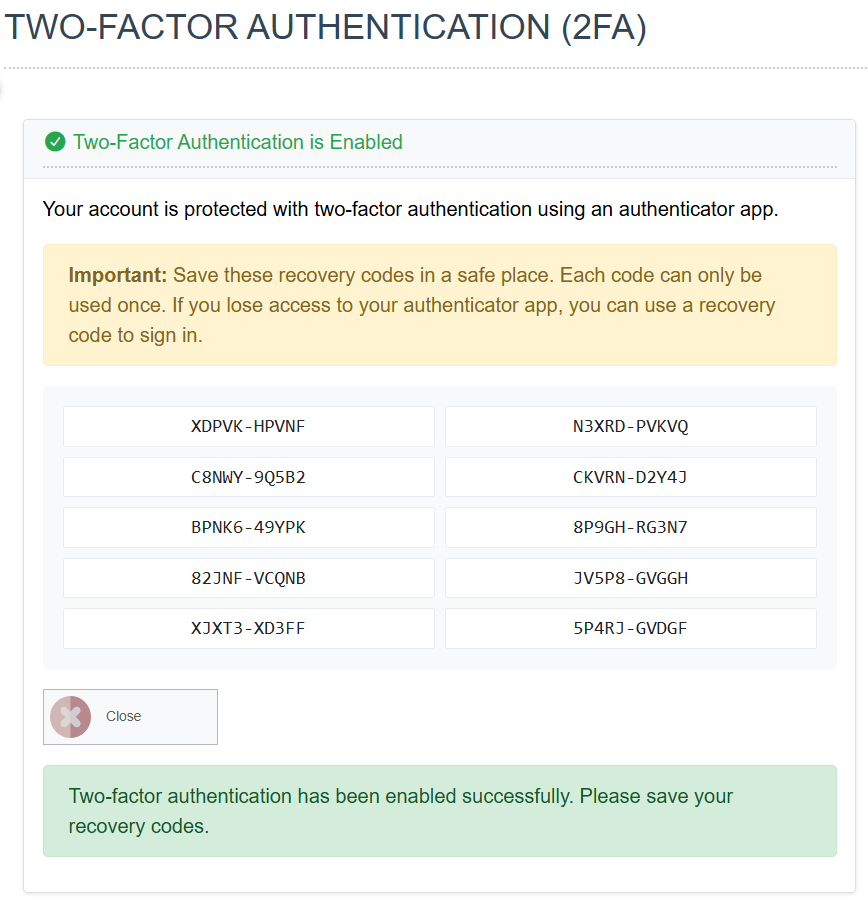
- Record your Recovery Codes.
Managing your 2FA
Once 2FA is enabled, you can manage it here.
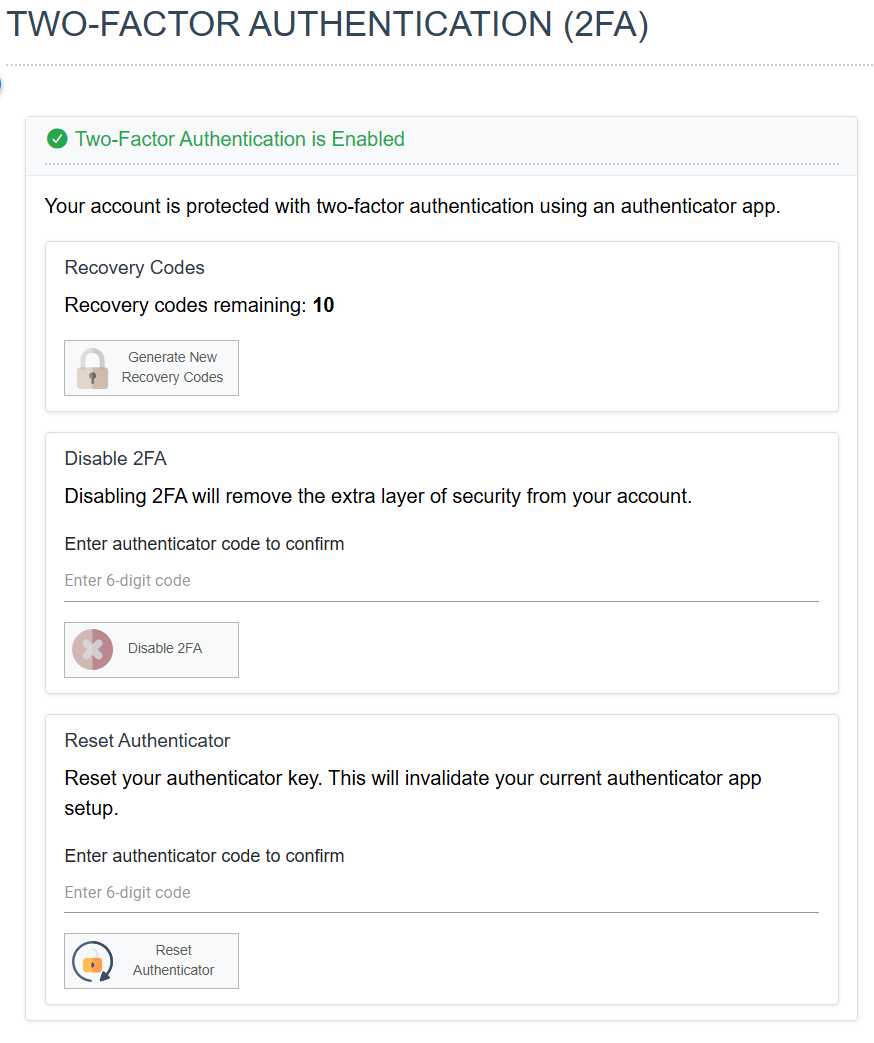
Recovery Codes
Generate New Recovery Codes shows a new set of recovery codes.
Disabling 2FA
Disables 2FA, if the global permissions allow it.
Reset Authenticator
To reset your authenticator, enter a valid, current OTP.