Licensing Iman
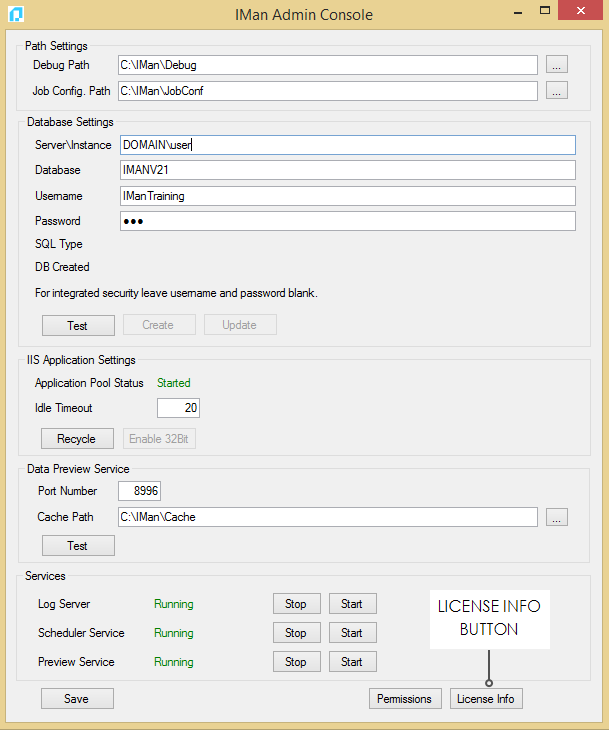
All licensing functions are handled through the Licensing Info button at the bottom of the Admin Console.
REGISTERING & ACTIVATION
- To register and activation IMan enter the purchaser’s details & Serial Number into the relevant fields on the License prompt.
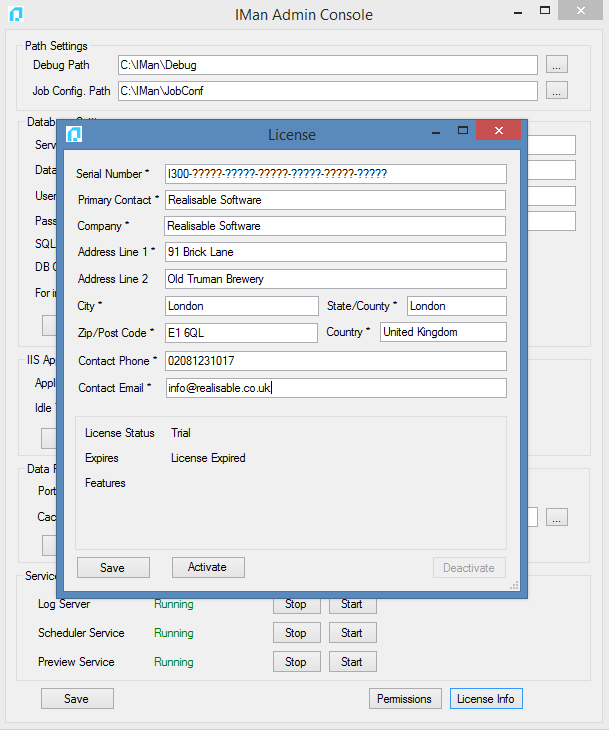
- Press Activate to begin the activation process.
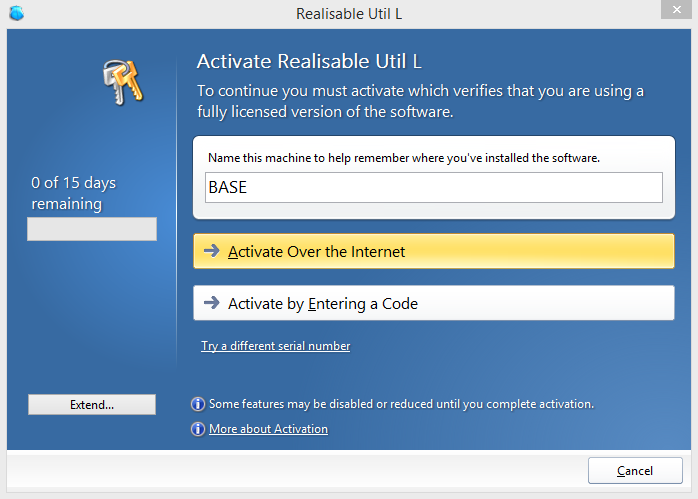
- If the workstation or server is connected to the internet press Activate Over the Internet.
- If however machine is not connected to the internet press Activate by Entering a code and following the prompts on the screen and email [email protected] to receive an activation code.
- Depending on success (or failure), the following prompts will appear:
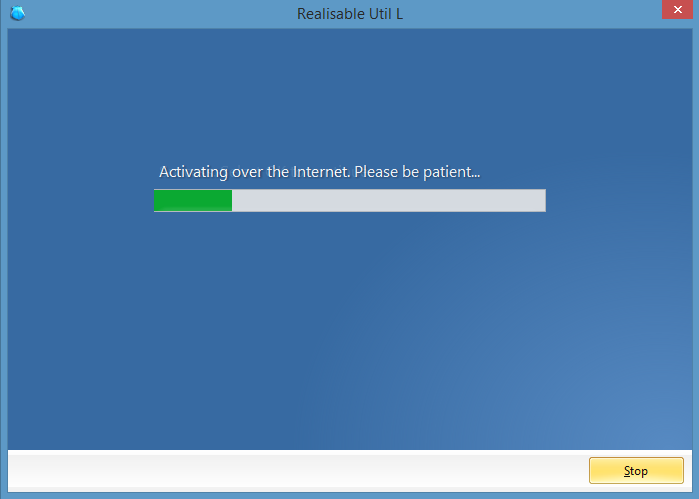
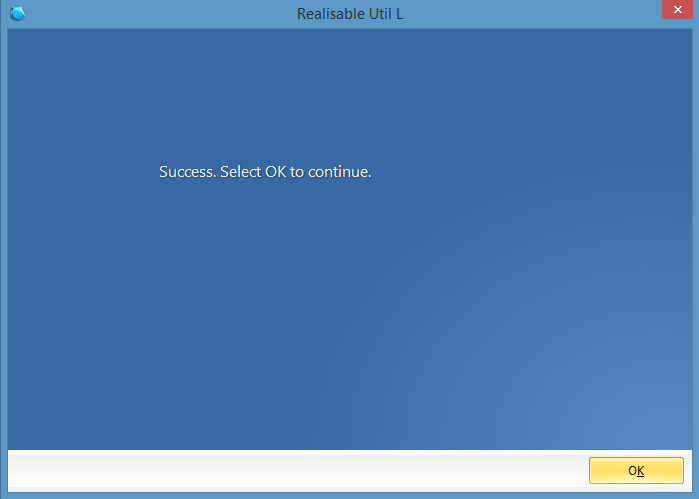
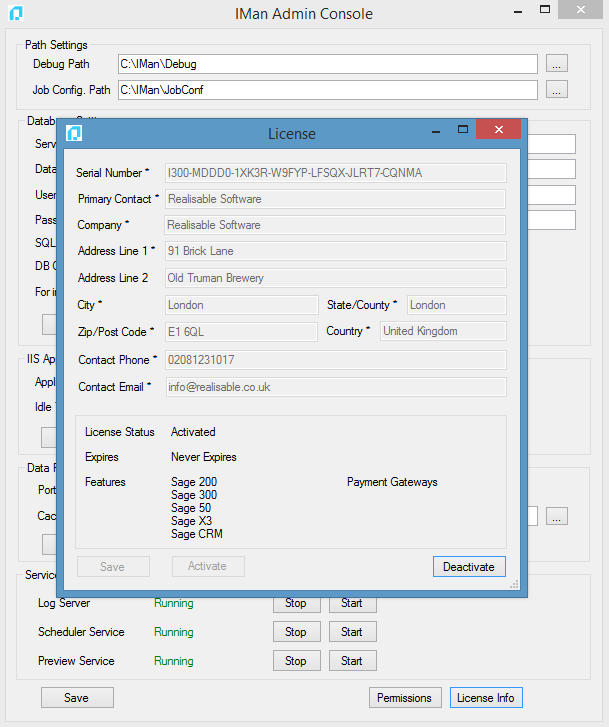
- If successful the license screen will appear passive, with the license's enabled features visible.