Installation
Install IMan with these steps:
- Run 'IManInstallManager.exe' as an Administrator.
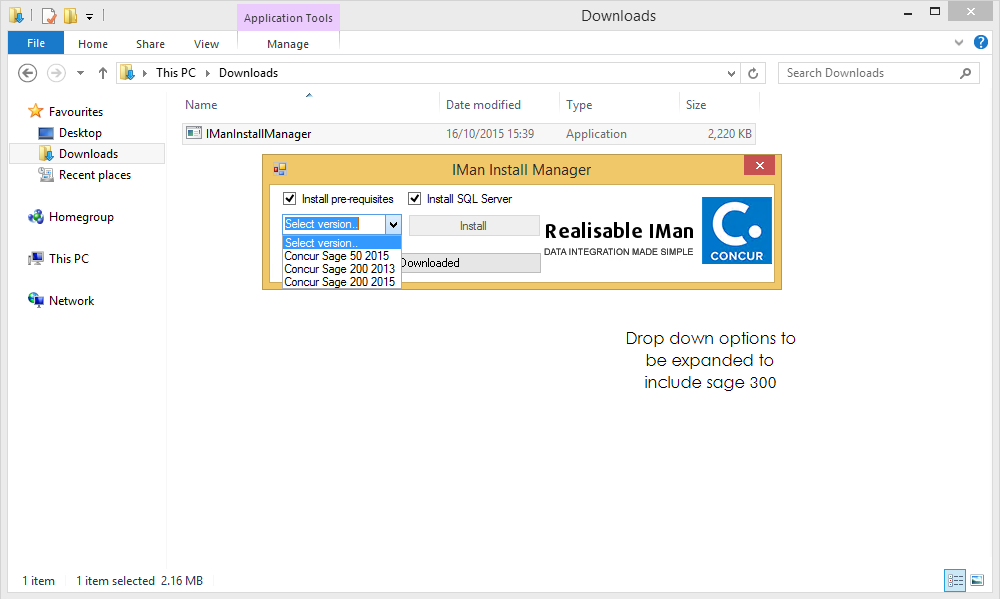
- Install Pre-requisites.
- Installs the system requirements necessary to run IMan.
- Checked.
- Install SQL Server.
Important
It is recommended that an SQL instance is always installed, for sole use with the Concur integration.
- When the Install Manager loads, it will assess whether SQL is already installed on the system.
- If not already installed, this option will be checked.
- If there is already an SQL instance installed, this box will be unchecked.
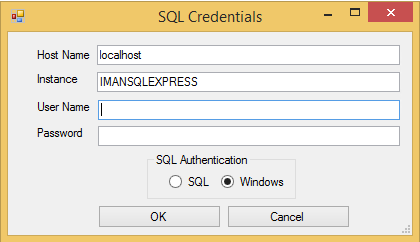
- If left unchecked, the installer will ask for SQL credentials:
- If checked, the installer will ask whether to install another SQL instance:
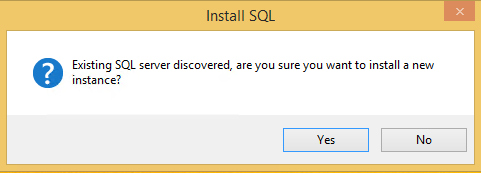
Selecting no will cause the SQL credentials box to appear. If cancel is then pressed, the setup will end, since a database is required by IMan.
- Select which version of Sage will be used, from the drop-down options.
- Press Install.
Note
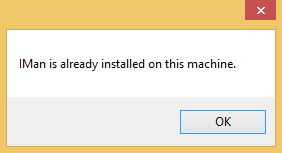
If IMan is already installed a dialogue box will appear instead of the Install Manager:
- Agree to the license (rejecting will cancel installation).
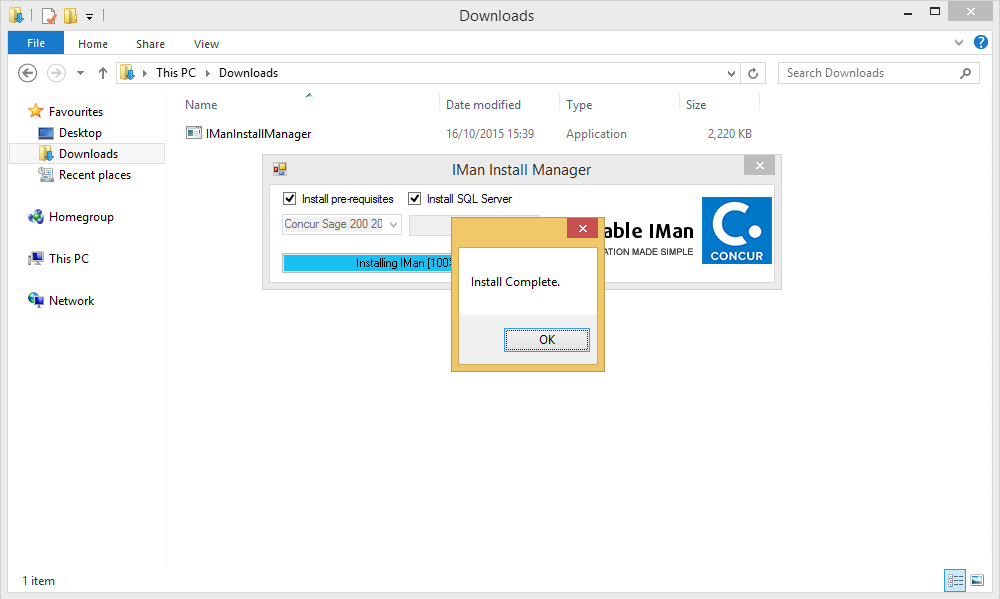
- When the installation completes, press 'OK'.
Note
After the installation is complete, there are several configuration steps required before IMan can be used. Please see
for details.