X3 Webservices Pool Setup (V9 And Above)
It is recommended to setup a separate user for IMan and assign the necessary roles and access required to post the data to be imported by IMan.
Webservices Pool Setup
In order to connect to X3 it is first necessary to setup a webservice pool.
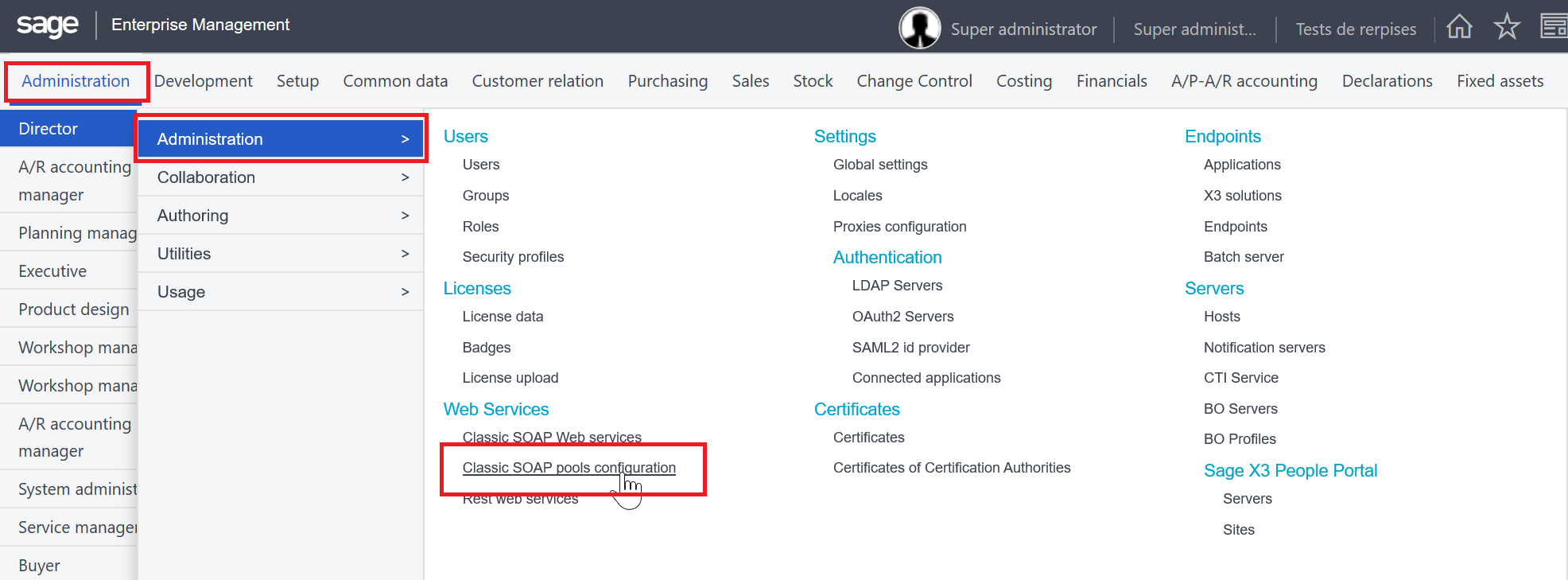
- Go to the Administration Menu, Administration, the select the Classic SOAP pools configuration (in the Webservice Section).
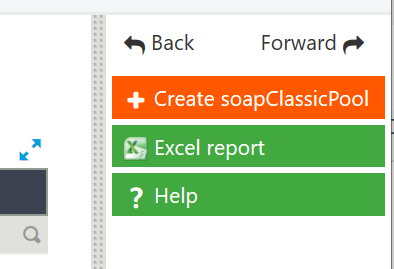
- Click create soapClassicPool button on the right hand menu.
-
In the grid at the bottom enter the following:
7/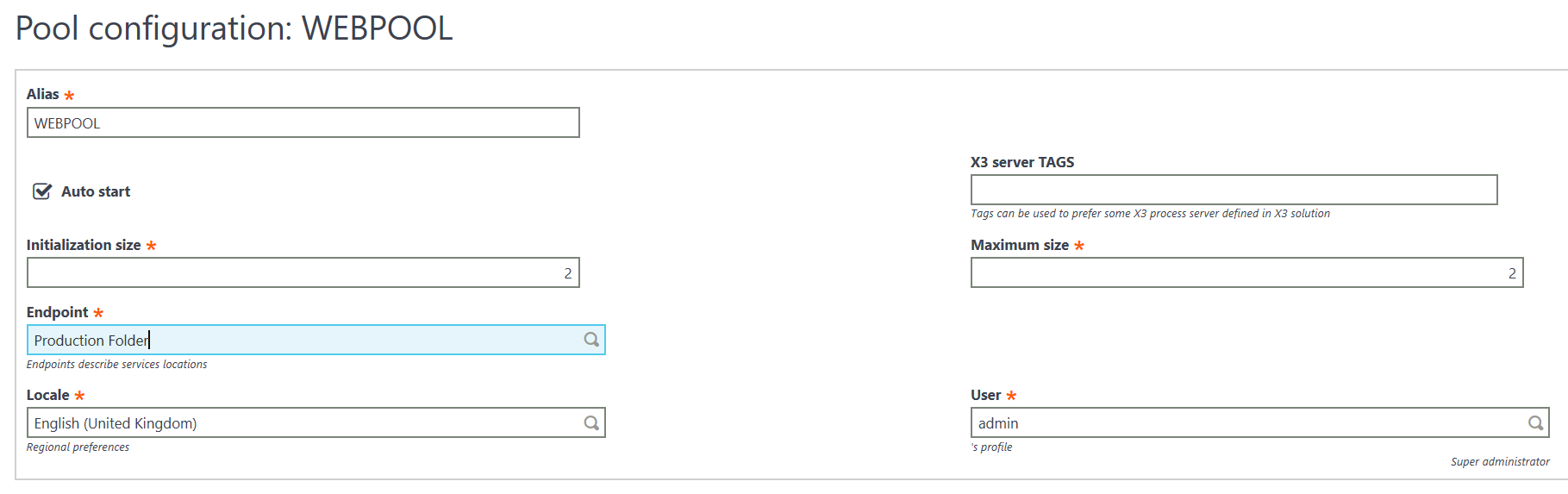
ParameterValueAliasA unique value to identify the webservice pool. This value will be used when setting up the connection within IMan (detailed in the following section).Auto StartCheckedInitialisation SizeThe initial number of simultaneous incoming connections the connection pool can execute.We recommend this be set to the number of IMan jobs which could be running at once + 1 (for the Data Preview service).Maximum SizeThe maximum number of simultaneous incoming connections the connection pool can execute.EndpointThe Folder the pool will target.LocaleCan be any language; not used presently by IMan.UserThe X3 user id.
-
Press the Save button to save the webservice pool.