Email Groups
Important
Email Groups are necessary for ensuring the relevant people will receive the audit report and integration results.
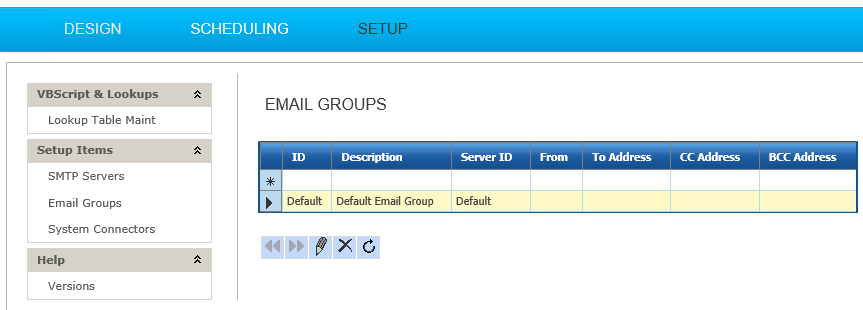
- Go to Setup > Setup Items > Email Groups.
- Double click the ‘Default’ row to edit.
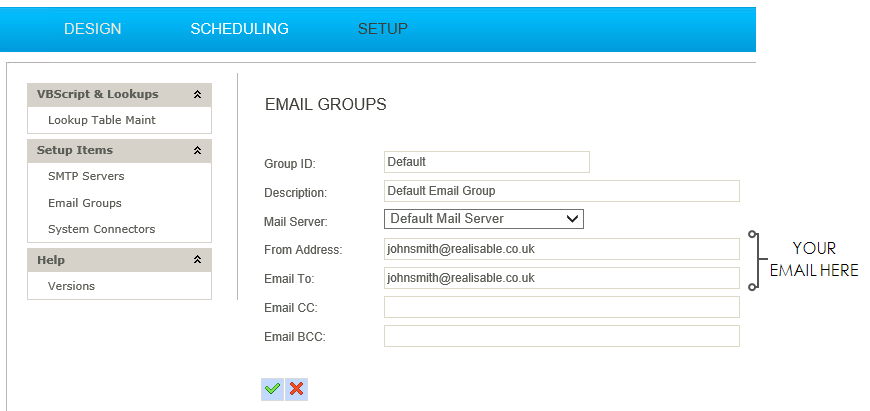
- Enter an email address into the ‘From’ and ‘To’ address fields.
Note
When setting up IMan initially, set both these fields to your own email address.