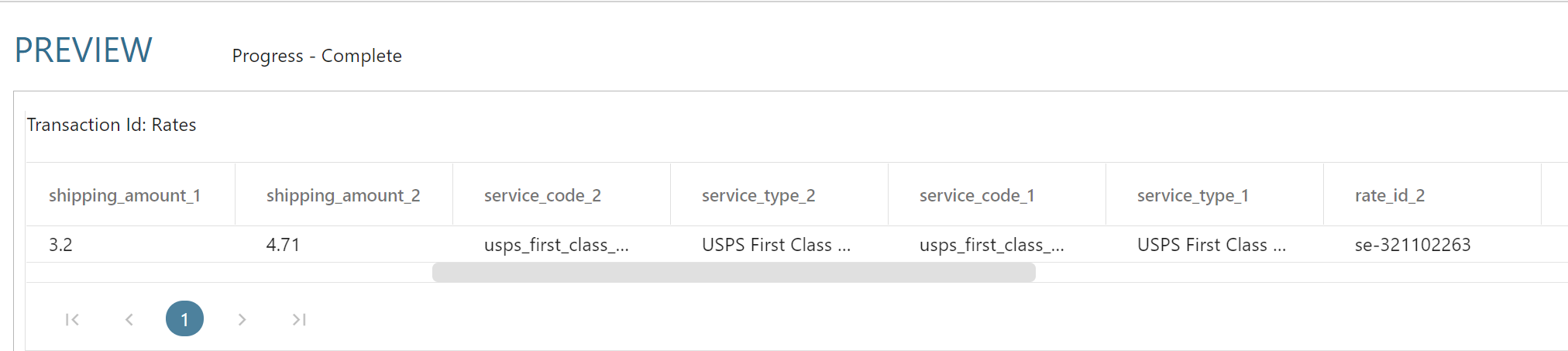
GetRates
The Get Rates touchpoint allows you to rate shipments, to calculate shipping amounts.
The Get Rates allows you to obtain up to 5 rates per request.
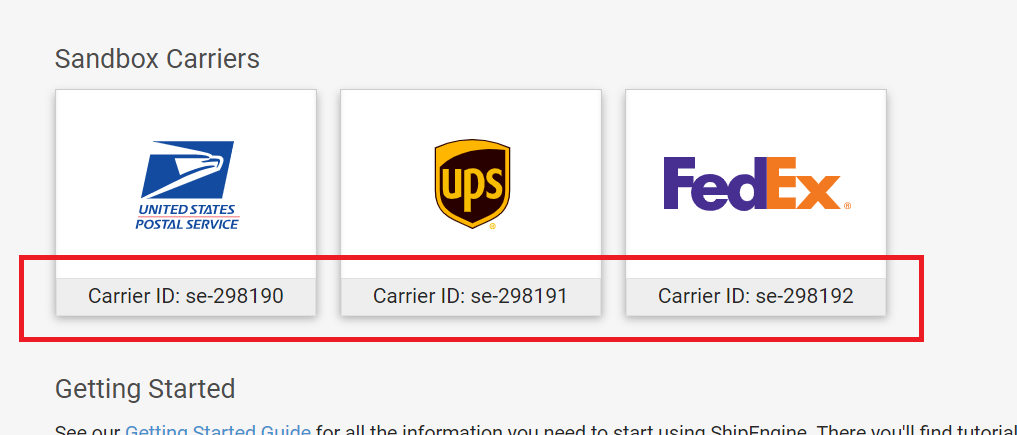
Carrier IDs
The Carrier IDs to rate a shipment can be found in ShipEngine.
To specify multiple carriers, separate them with a vertical pipe/bar |.
Obtaining the Rates
To rate a shipment map the following fields (at minimum):
- From Address, From Phone, To Address & To Phone
- Weight and Weight UoM
Rating Reply Fields
The field list provides numerous fields which are returned as part of the rating process. Each of the reply fields are indicated with Reply and a 1-5 (indicating the first, second, third, fourth, fifth returned rates).
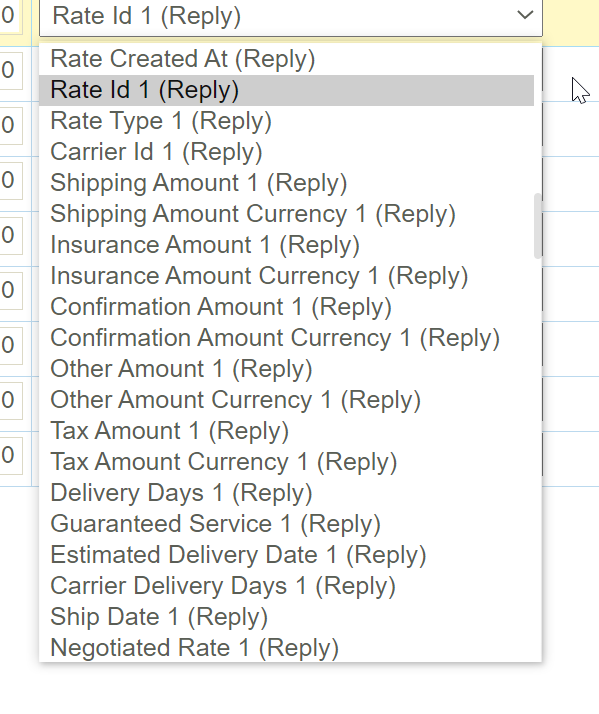
To obtain the rates it is necessary to map the fields to the various reply fields.
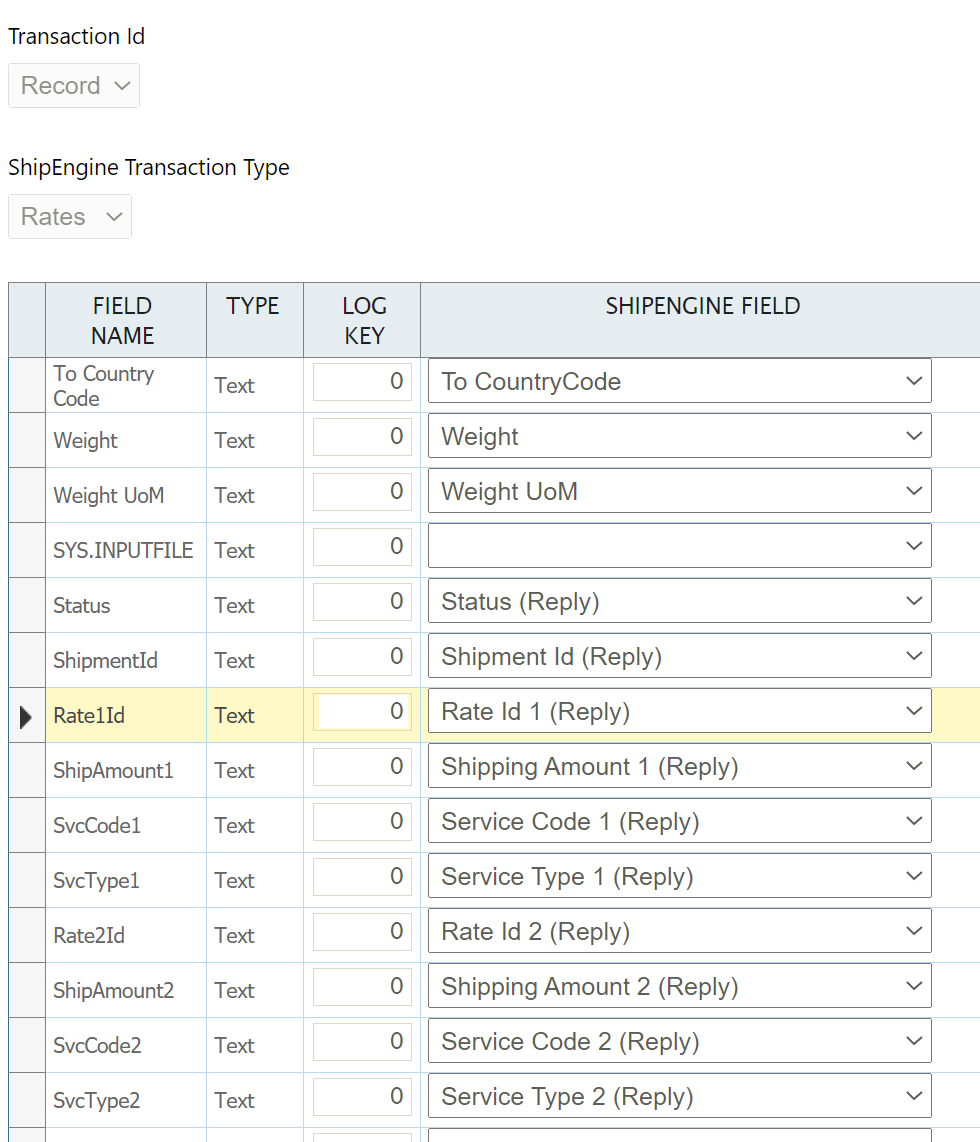
When the screen is Refreshed the mapped fields will be populated (as shown below).