6.3 – Filter Transform
Clean Up the Dataset
6.2 creates all three charge lines on every order, whether or not the order was charged for them. The charge lines with no value must go before the orders reach Sage 300. The Filter transform removes them.
Design > Transform Setup
-
Drag a Filter transform onto the design surface and connect it to the Aggregate transform.
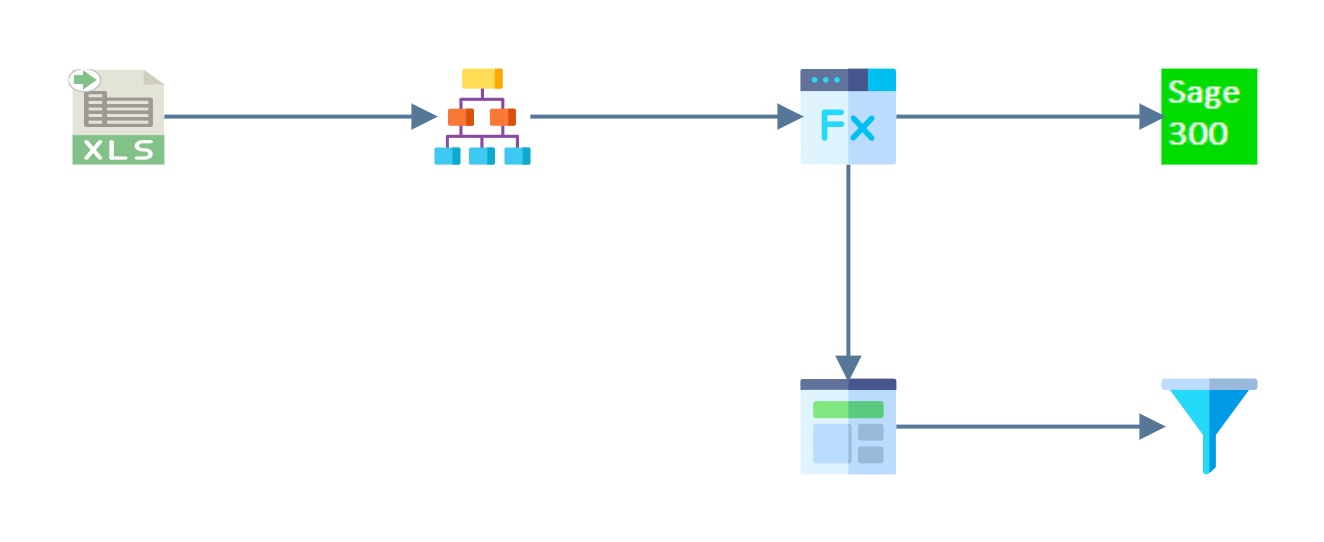
-
Double-click the Filter to open its setup.
-
Check that the Transform Id is a recognisable name.
- A new Filter is already named
Filter. For training, leave it. A second Filter would arrive asFilter_1, so rename that one.
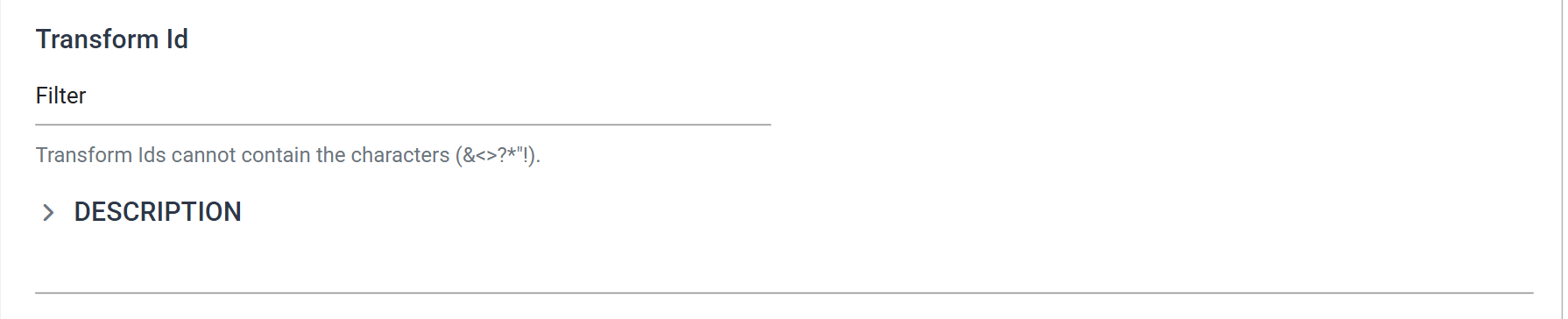
- A new Filter is already named
Transform > Field Mapping
- Press the Field Mapping tab and change the Current Transaction Id to
OrderDetails. -
Enter the Record Evaluation formula:
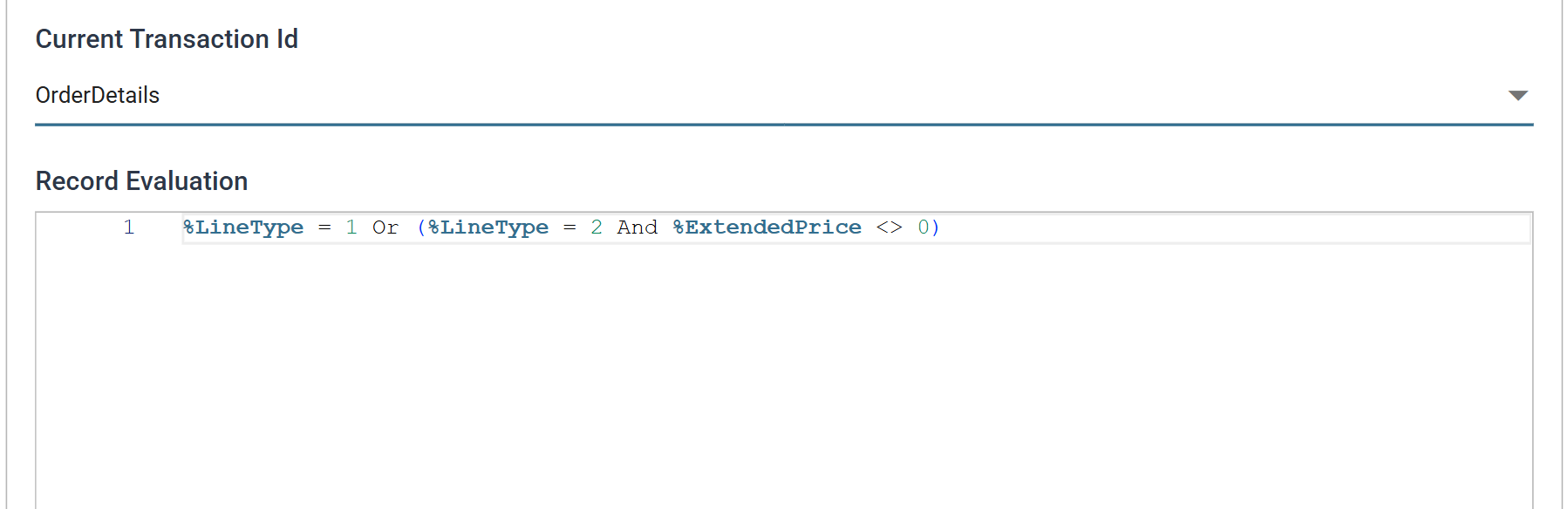
The formula keeps every item line, and keeps a charge line only if its amount is not zero.
LineType1 is an item line and 2 is a miscellaneous charge, as set in 6.1 and 6.2.
The formula must evaluate to True or False
The formula must return True or False. When it returns False, IMan removes (filters) the record from the dataset.
-
Press Refresh.
- The first order keeps its two item lines and its
Deliverycharge. It losesAssemblyandTwo Man Supplement. Those two columns were empty for that order, soGetParentreturned0and the formula excluded them.
- The first order keeps its two item lines and its
-
Press Close at the bottom of the transform, then Save the integration.