Order Download
Query Criteria
Order Status
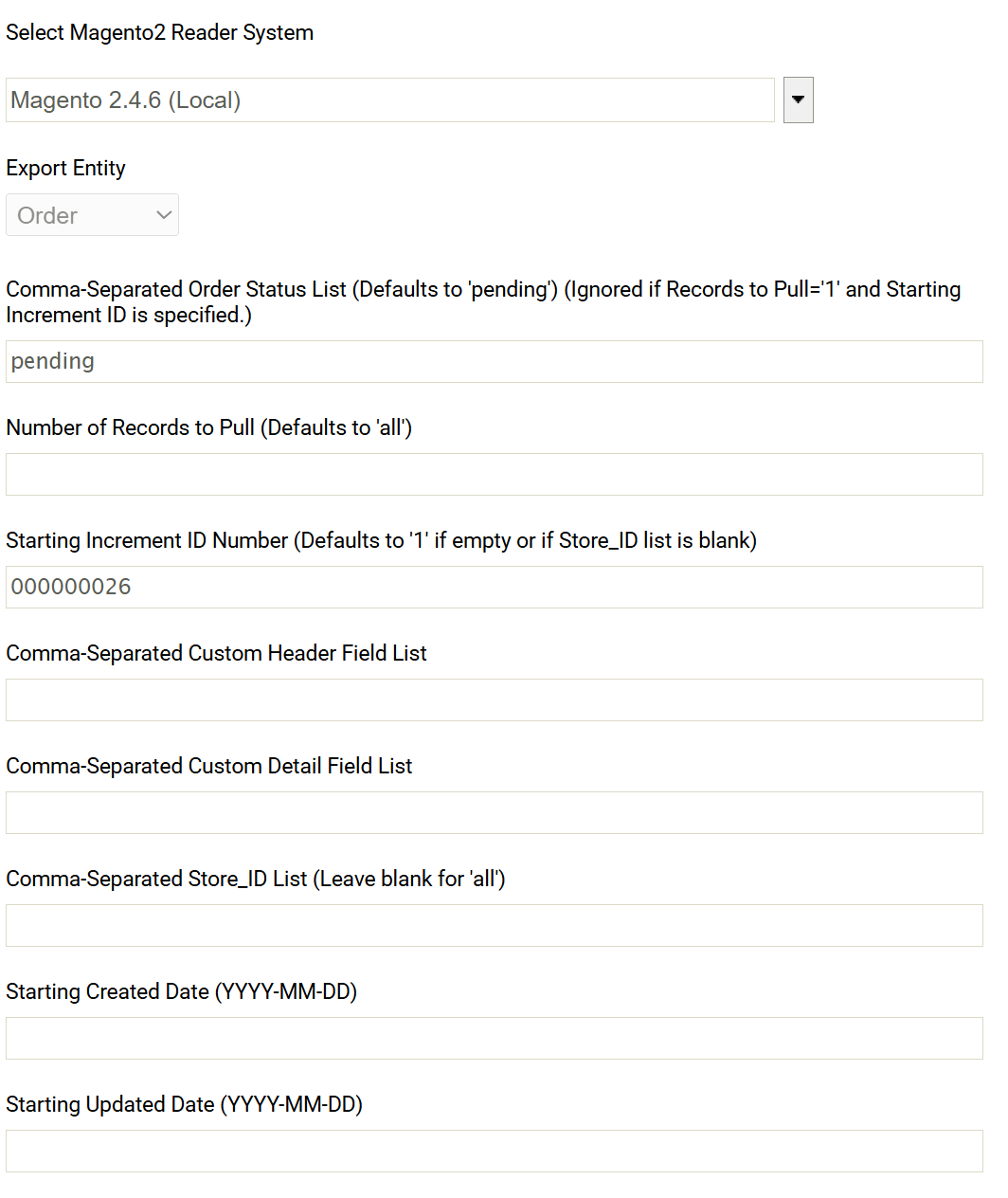
The key criteria for downloading orders is the Magento Order Status.
Multiple order statuses can be queried at the same time, by separating each value with a comma.
‘pending’ will be used if no value is provided.
It should be noted the Order (Status) Update should be used to ‘flip’ the status of orders after they are processed (with or without error).
Number of Records To Pull (Optional)
The number of records to retrieve on each reader invocation can be set here.
Setting this to ‘1’ in conjunction with the Starting increment id can be useful for debugging.
Starting Increment ID
Sets the starting order for querying Magento.
Setting this is useful for existing Magento instances where ‘old’ orders need to be skipped or ignored from querying.
Issues can occur for Magento instances where there are orders with different sets of order ids. For example, Magento instances with Amazon feeds or multiple stores/websites.
Custom Header Field List, Custom Detail Field List
To include custom fields either in the header or detail field list enter them into the respective fields.
The connector will ‘search’ the returned payload to find the fields.
It may be necessary to close and re-open the connector screen after the initial save/refres__h.
Store List
Where specified allows you to limit which stores to obtain orders for by the store id. Separate each store id with a comma.
Starting Created Date, Starting Updated Date
Where specified will limit the orders are returned by their created/updated dates respectively.
The date should be in form: yyyy-MM-dd
Returned Data
The order download is field/data rich combining data from various parts of Magento.
Order Header
The Order Header contains all header information including billing and shipment addresses, order totals, shipping amounts, customer data, etc.
Customer Data
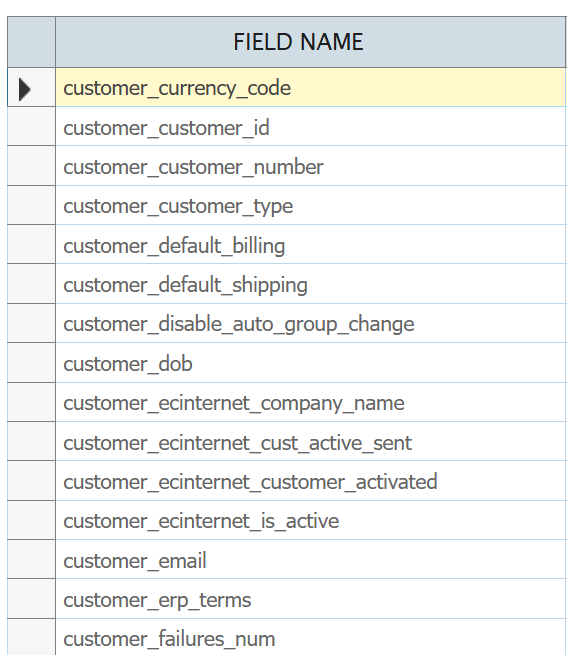
Attributes from the customer associated with order are merged as fields on the order header.
All customer fields are grouped together and their names are prefixed ‘customer_’.
Payment Data
The first payment taken on the order are presented as fields on the order header.
Order Details
Order details include all the items on the order.
Configurable Items
Where an item is from a configurable item, the order download will include both the configurable as well as the simple item.
(It will be necessary to usually filter the configurable item).
Item Attributes
All item attributes will be available as fields to incorporate into the order download.
Items can be associated with different attribute sets – the connector will populate the field values with only the attribute values for the item (attribute set).
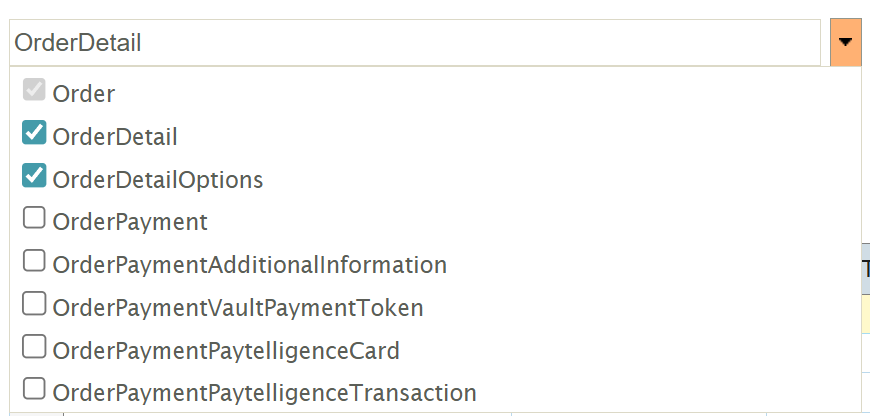
Order Detail Options
The OrderDetailOptions will list an options associated with the item lines e.g. engraving, gift wrap options, etc.
Order Payment Children
The connector provides additional order payment child records for advanced scenarios and specific payment processors.
Most use cases will use the payment fields on the order header (previously described).