Acumatica Reader
The Acumatica Reader provides the ability to extract data from/query Acumatica.
The Acumatica reader is 100% meta data based meaning it queries your Acumatica instance / webservices to build the available objects, Generic Inquiries and fields which can be queried.
Key features provided by the Acumatica Reader:
- Custom Object and Custom Field support.
- Dynamic querying of metadata, allowing you to query any Acumatica object record.
- Query Generic Inquiries
- Ability to filter records using a simple query expression.
Objects vs. Generic Inquiry
The Acumatica Connector can query data from:
Reader Setup
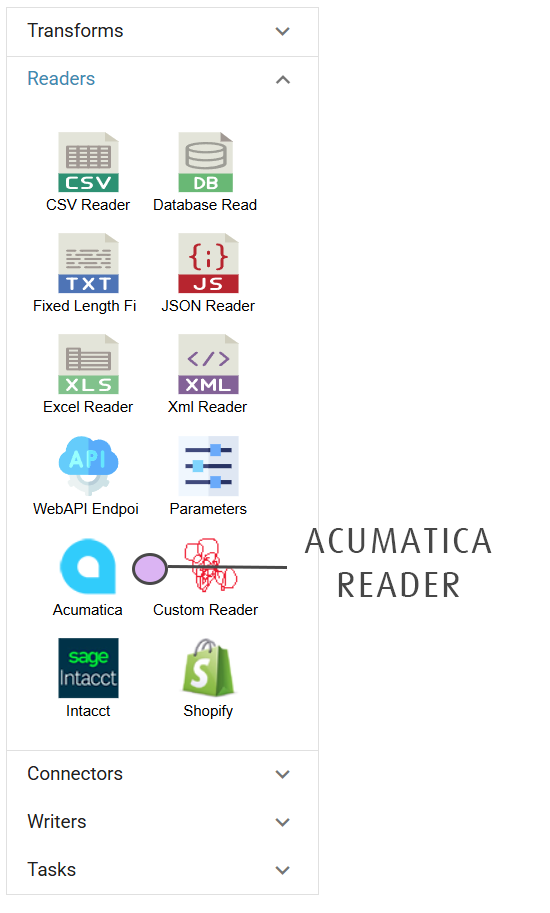
The Acumactia Reader is found in the Readers group of the design palette on the left hand side of the Transform Setup tab.
To add it to the job, click & drag it onto the design area on to the right hand side.
File Layout Tab
Select System
Select the Acumatica IMan System Connector Setup you wish to query data.
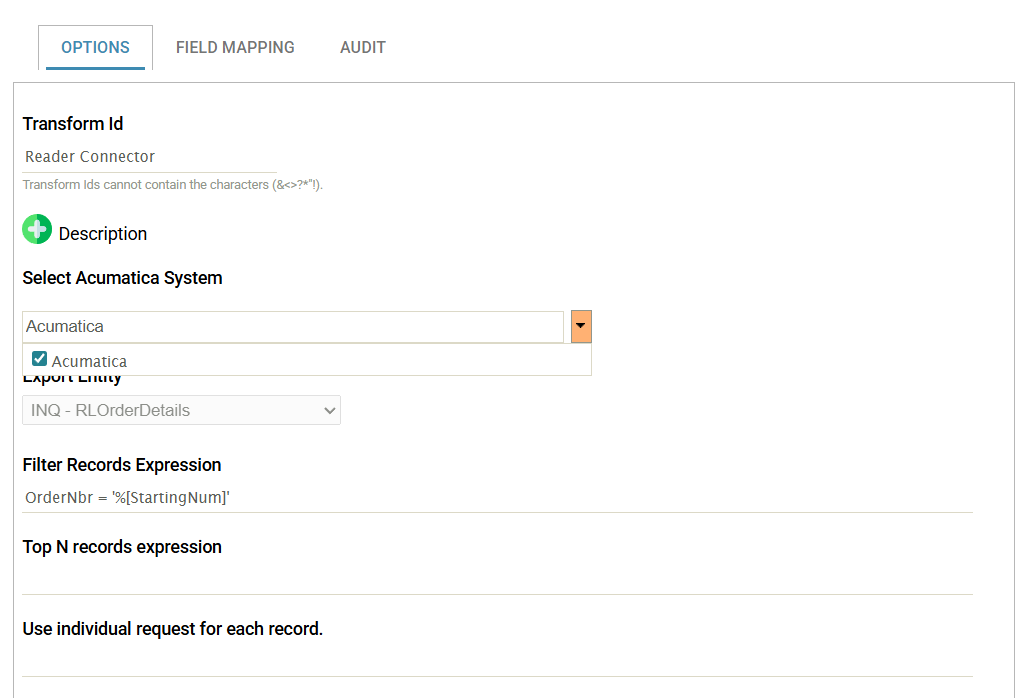
After selecting the desired system connectors press the Refresh button to refresh the Export Entity drop down.
This may take anything up to 20-30 seconds to complete.
Multiple Acumatica Instances
Multiple Acumatica instances can be queried as part of a single Read operation. This allows you retrieve data from these multiple instances (or entities) using the same Reader Options (Filter, etc).
Reader Options
Export Entity
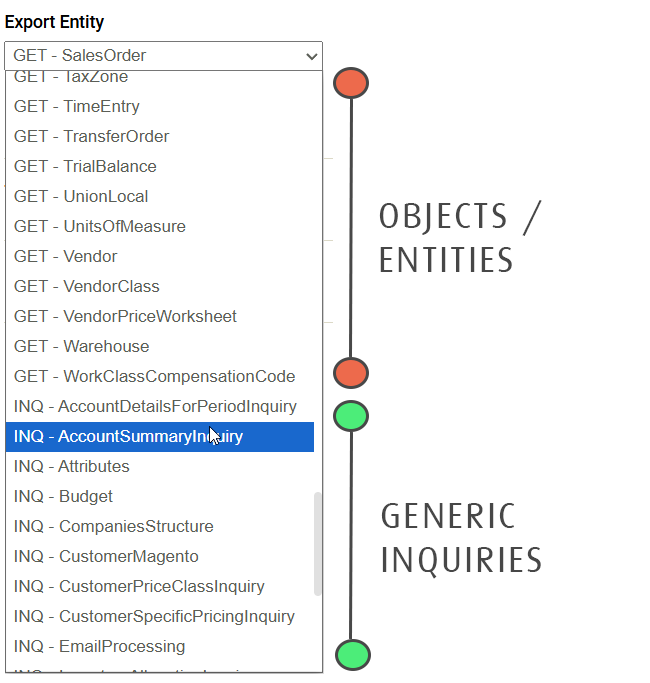
All objects and generic inquiries exposed to the webservice endpoint are listed. Objects are prefixed with GET and Generic Inquiries with INQ
This drop down denotes the top level entity to query.
Filter Records Statement
This is the statement used to filter the result set. See Filtering Records for the syntax.
Preview & Trace Area
At any time the preview area may be refreshed. Nested records can be expanded by clicking the expand arrow against the record.