Writing To Acumatica
Introduction & Concepts
The connector provides the capability to write data to Acumatica. The connector supports the following write capabilities:
- Ability to create new records (insert) and to update existing records (update).
- Handle flat datasets such as Customers and Vendors.
- Can create/update hierarchical data e.g. Sales Orders and Invoices.
- Ability to integrate with different branches in an Acumatica instance through the Sys.Branch Handling.
- Ability to integrate with Custom And Attribute field Handling.
- A dynamic set of Integration Points.
- Attach documents to any transaction / record using the Attachment Handling.
Insert/Updating Acumatica Records
The Acumatica connector supports Insert and Update operations.
The insert/update logic used in the Acumatica connector is per other connectors. Further information can be found on Push Connector > Options Tab.
Connector Setup & Use
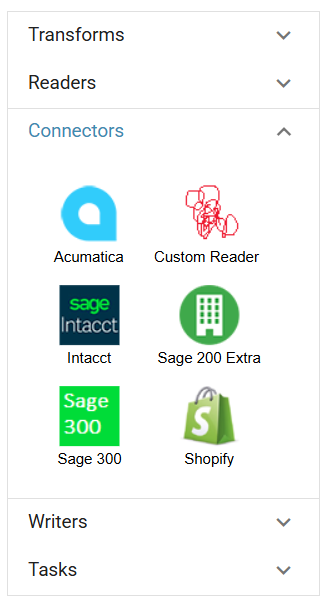
The Acumatica Connector is found in the Connectors group of the design palette on the left hand side of the Transform Setup tab.
To add it to the integration, click & drag it onto the design area on to the right hand side.
Options Tab
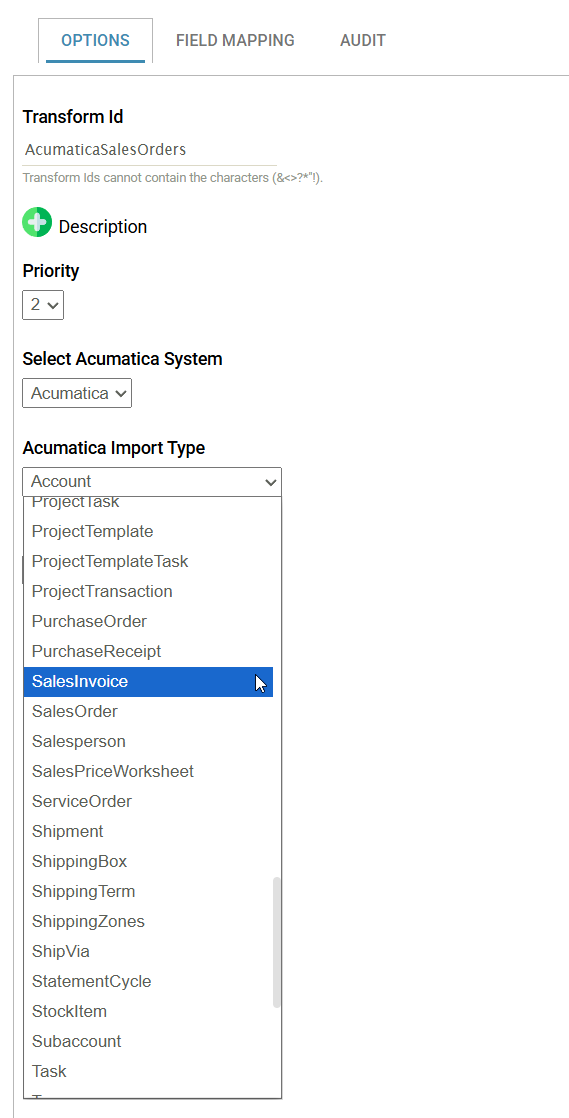
Select the Acumatica System you wish to integrate with from the drop down. Once selected the Entity drop down will be populated with all the entities the connector current has capability to write to.
The selected item represents the top-most object to be inserted/updated. For example, to create Sales Orders with Line Items, select SODODCUMENT from this list, as the Line Items are a child.
Update Operation
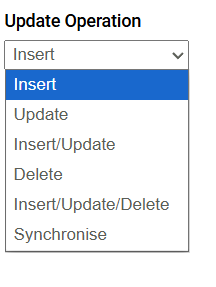
The Acumatica connector supports Insert, Update and Sync operations.
The insert/update logic used in the Acumatica connector is per other connectors. Further information can be found on Push Connector > Options Tab.
The Sales Order and Purchase Order Import Types support the Synchronise (a differential) update mode.
Field Mapping Tab
The field mapping defines how the data in IMan is mapped to the objects in Acumatica, where the mapping process follows the Push Connector > Field Mapping guide.
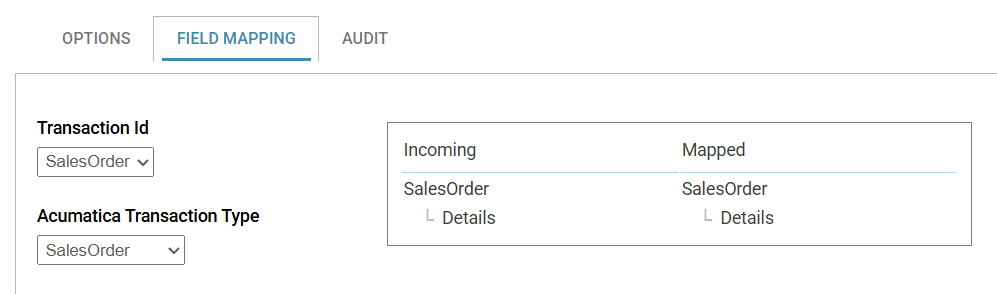
Acumatica Transaction Type
The first item in the Transaction Type drop down is the primary Object selected on the Options tab.
The subsequent items in the list are the objects with one-to-many relationships with the primary object.
Field Mapping
The fields listed in the field drop down are only those where the connector has the capability to write to.
The field list may include:
- Sys.Branch Handling - Allows you to dynamically target multiple Branches.
- Custom And Attribute field Handling - Custom fields are dynamically handled.
- Attachment Handling - Attach documents to any record (master data or transaction).